
New feature
AI Cleanup Tidies Your Transcript
AI Cleanup reads your transcript and flags the false starts, repeated words and stumbles so you don't have to hunt for them line by line.
What It Is
AI Cleanup lives in the Clean up tab next to tools like Remove fillers and Remove pauses. Instead of stripping out individual words, it looks at the whole line and proposes tidier wording, fixing obvious transcription errors along the way. It's optional and reviewable: nothing changes until you say yes.
The Problem It Removes
Unscripted talk is messy. People restart sentences, repeat a phrase while they think, or trip over a word and correct themselves mid-line. Reading past all that to find the good sound bite is slow, and manually rewording every rough line takes even longer. AI Cleanup does that first pass for you, so the transcript you work from already reads closer to how you'd want it to sound.
How It Works
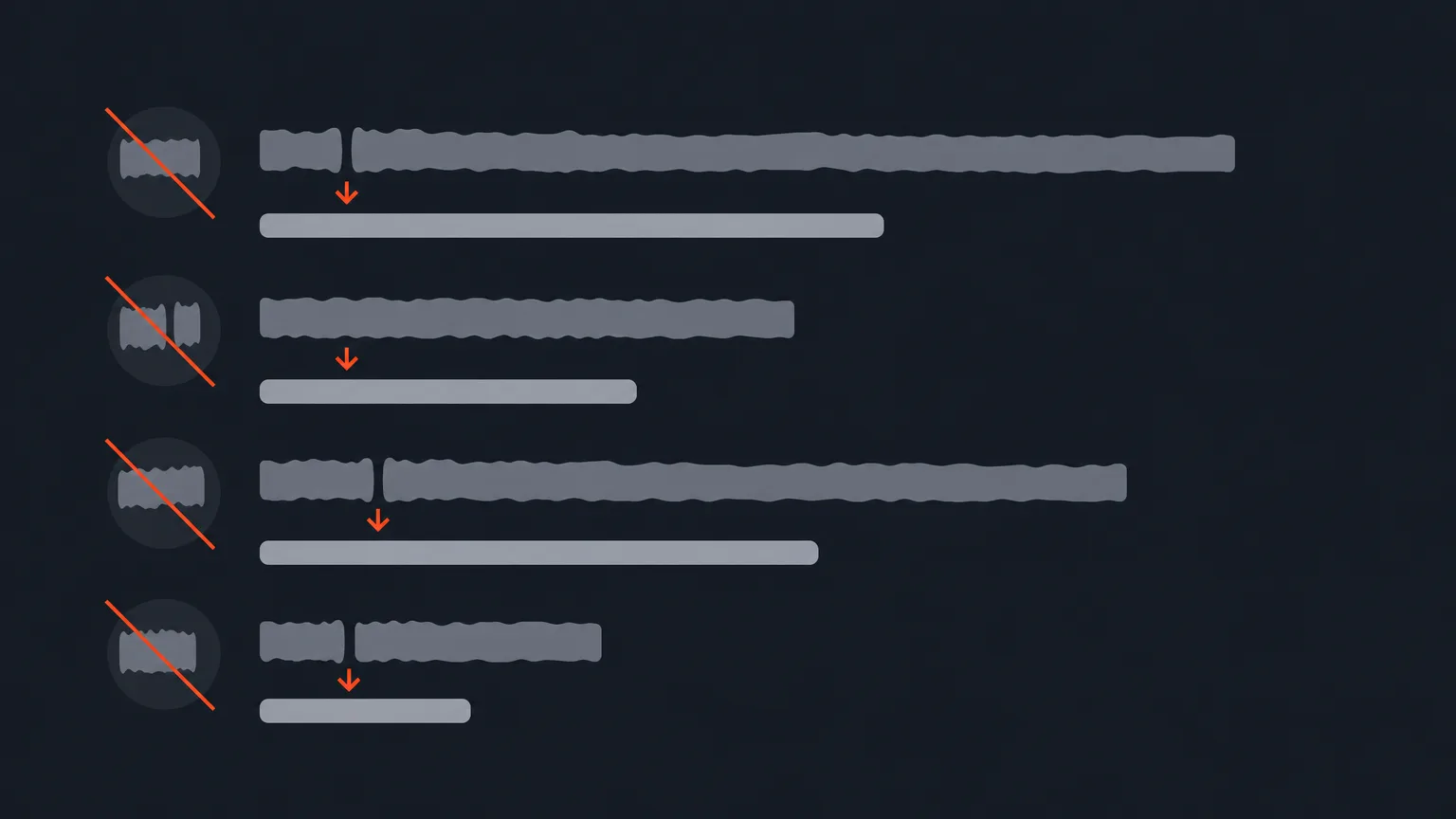
Say you're cutting a founder interview for a coffee brand and the speaker says: 'We wanted, I mean, our goal was really to, to bring better beans to, to people who don't have access.' AI Cleanup flags the false start and the doubled words, and suggests: 'Our goal was to bring better beans to people who don't have access.' You review the suggestion, accept it if it reads right, and move on. Every edit keeps the words lined up with the original timecodes, so nothing drifts out of sync with the audio underneath.
If a run doesn't land the way you want, an Undo box appears right after AI Cleanup finishes, letting you snap the transcript back to right before the run with one click. That box disappears as soon as you make your own edit, so undo it quickly if you're rolling it back.
Who It Helps
This is for anyone working from long, unscripted recordings: podcast editors polishing a rambling host, documentary editors working through interview footage, agencies cleaning up UGC or testimonial clips, and marketers turning raw talking-head footage into something clients can approve quickly. The messier the source audio, the more time this saves.
Try It Free
AI Cleanup is part of ProAI. If your account doesn't have an AI plan yet, you get one free run of AI Cleanup to try it on a real project, no AI credits used. Look for the '1 free run' badge on the AI Cleanup row in the Clean up tab.
Once your transcript is cleaner, the corrected version carries through everywhere: download it from the editor header with 'Corrected' selected to get the tidied text in any format, including subtitles.
Ready to see it on your own footage? Open ScriptCut and run AI Cleanup on a project.
frequently asked questions
It flags false starts, repeated words and stumbles in the transcript and proposes tidier wording, while also fixing obvious transcription errors.
No. It only proposes changes to the transcript text and keeps words and timecodes in sync, so your edit stays accurate.
Yes. A small box appears right after the run finishes, offering one-click undo back to before the run, until you make your own edit.
AI Cleanup is part of ProAI, along with the other AI features, custom branding and high-quality audio export.
Yes. Accounts without an AI plan get one free run of AI Cleanup, and of each other AI module, with no AI credits used.
No, that's handled separately by Remove fillers, which gives you per-word control. AI Cleanup focuses on false starts, repeats and wording.
Use the download icon in the editor header and choose the 'Corrected' version, which includes every edit including AI Cleanup, in any available format.
Start selecting.

Pick the story in the transcript, export a finished rough cut.
Get the ScriptCut newsletter
Thanks! Check your inbox to confirm.
Something went wrong. Please try again.