
Transcript-Based Editor vs Text-Based Editor: Are They the Same Thing?
The confusion is understandable. Adobe borrowed the most useful idea from the paper-edit world, transcript-driven trimming, and built a version of it into an existing NLE panel. Vendors then started using "transcript-based editing" and "text-based editing" almost interchangeably in marketing copy, and search results blur the two further. If you're choosing a workflow for a documentary interview, a podcast conversion, or a batch of client UGC, the difference changes how you work for weeks at a time, not just which button you click first.
Terminology drift
Why the Two Phrases Get Used as Synonyms
"Text-based editing" is close to a proper noun in Adobe's world. Adobe introduced the feature at NAB 2023 as part of the 23.4 update, and it won Videomaker's award for editing software that year for exactly this addition. Coverage at the time described it plainly: it is an Adobe Sensei feature that transcribes clips already on the timeline so you can select and cut using the words instead of scrubbing.
A "transcript-based editor" is a category name, not a brand. It describes a whole class of tools, ScriptCut among them, built around the idea that you select the story from a transcript before picture editing starts at all. That category existed in spirit long before Adobe shipped its feature, going back to the analog paper edit that documentary editors have used for decades. Adobe's feature and the standalone category both operate on words mapped to timecode, which is why the language keeps colliding, but only one of them replaces the pre-edit stage. For the full definition of the category, see what a transcript-based editor actually is.
Where each one lives
Pre-Edit Stage vs Timeline Feature
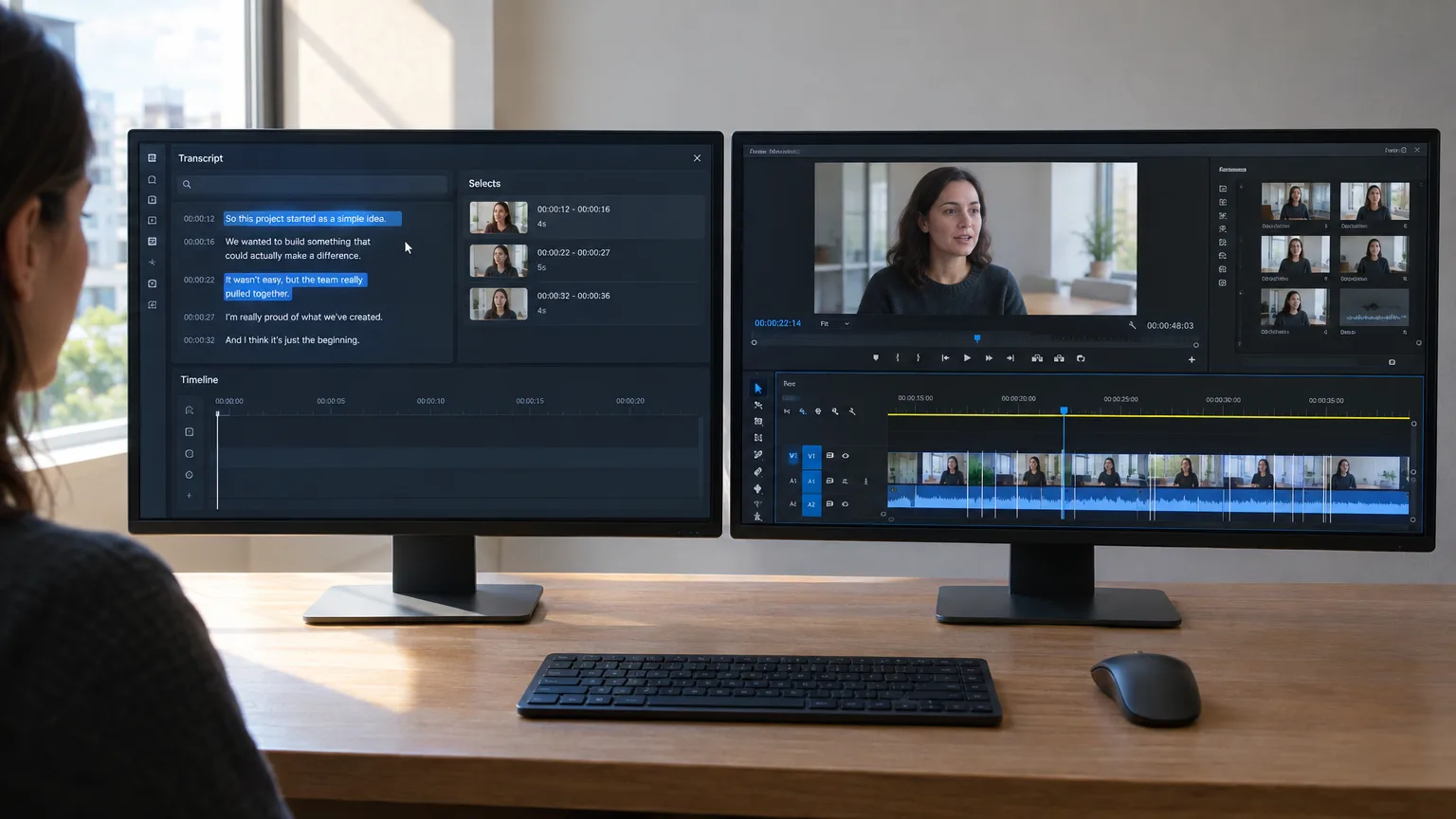
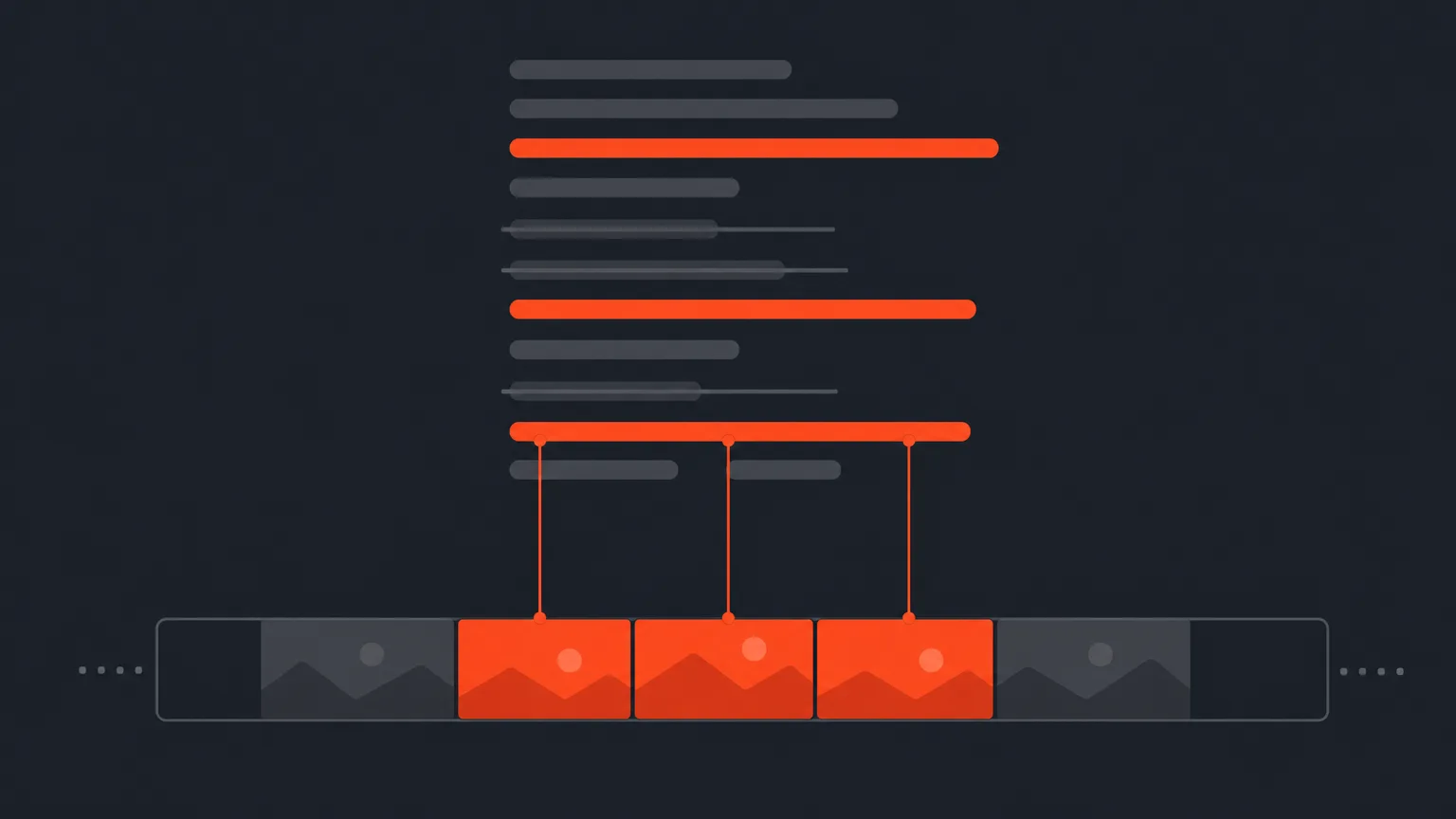
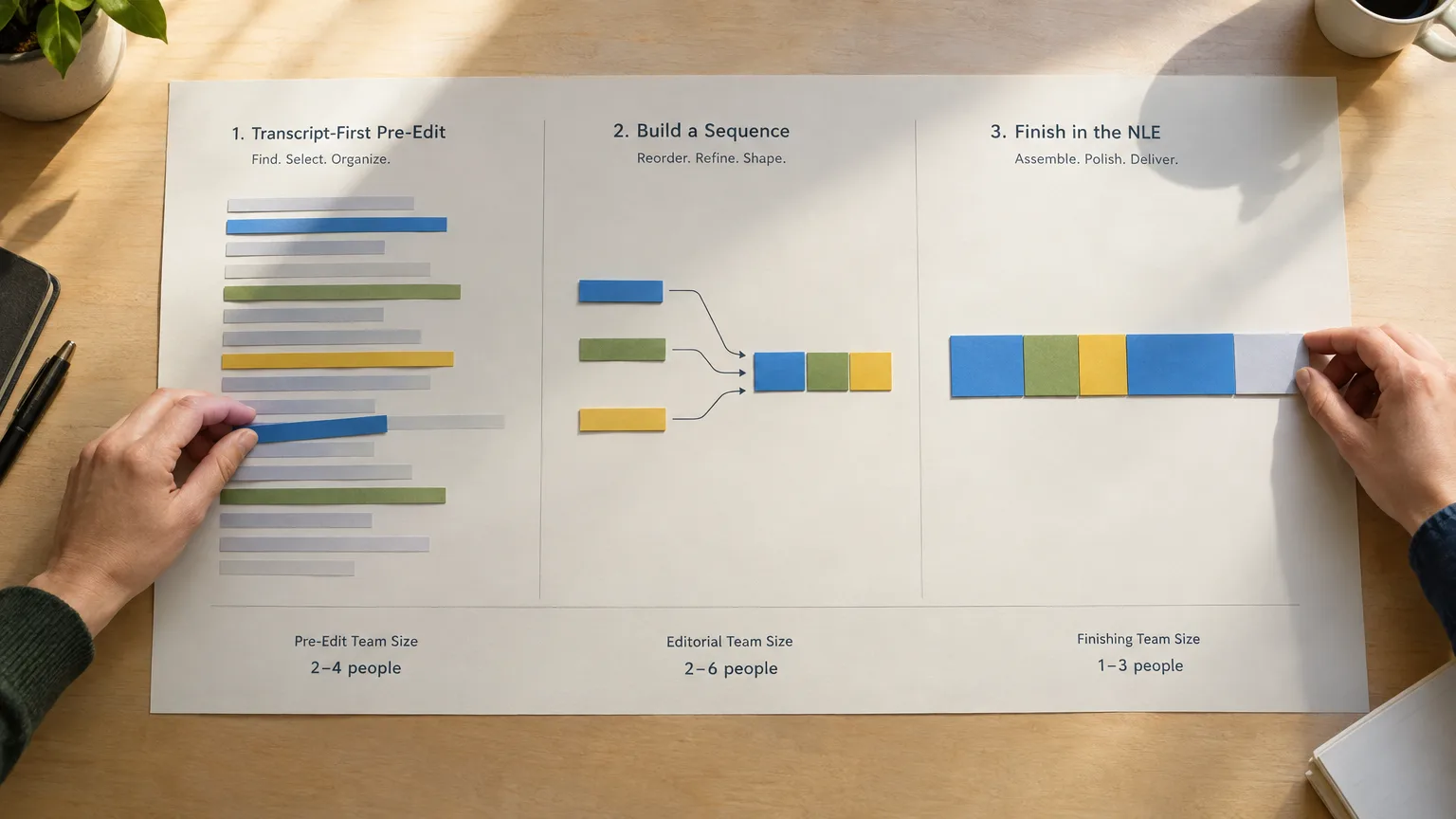
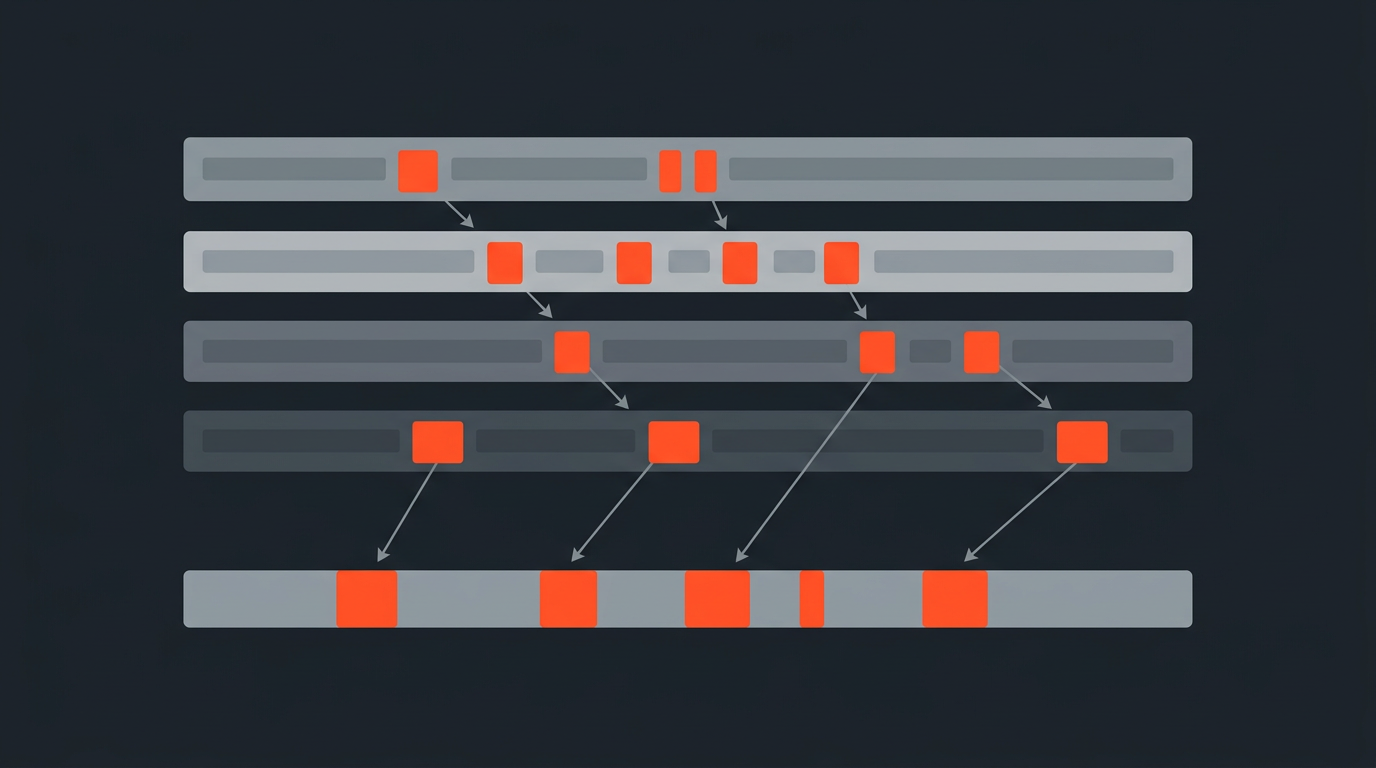
A dedicated transcript-based editor sits before the NLE. You import a raw recording, get a full timecoded transcript, and build a paper edit: you highlight the strongest lines, drag them into a narrative order, cut filler, and arrange a story entirely inside the transcript view. Nothing has touched a real timeline yet. When the structure is approved, you export it as a starting sequence for whichever NLE your team uses.
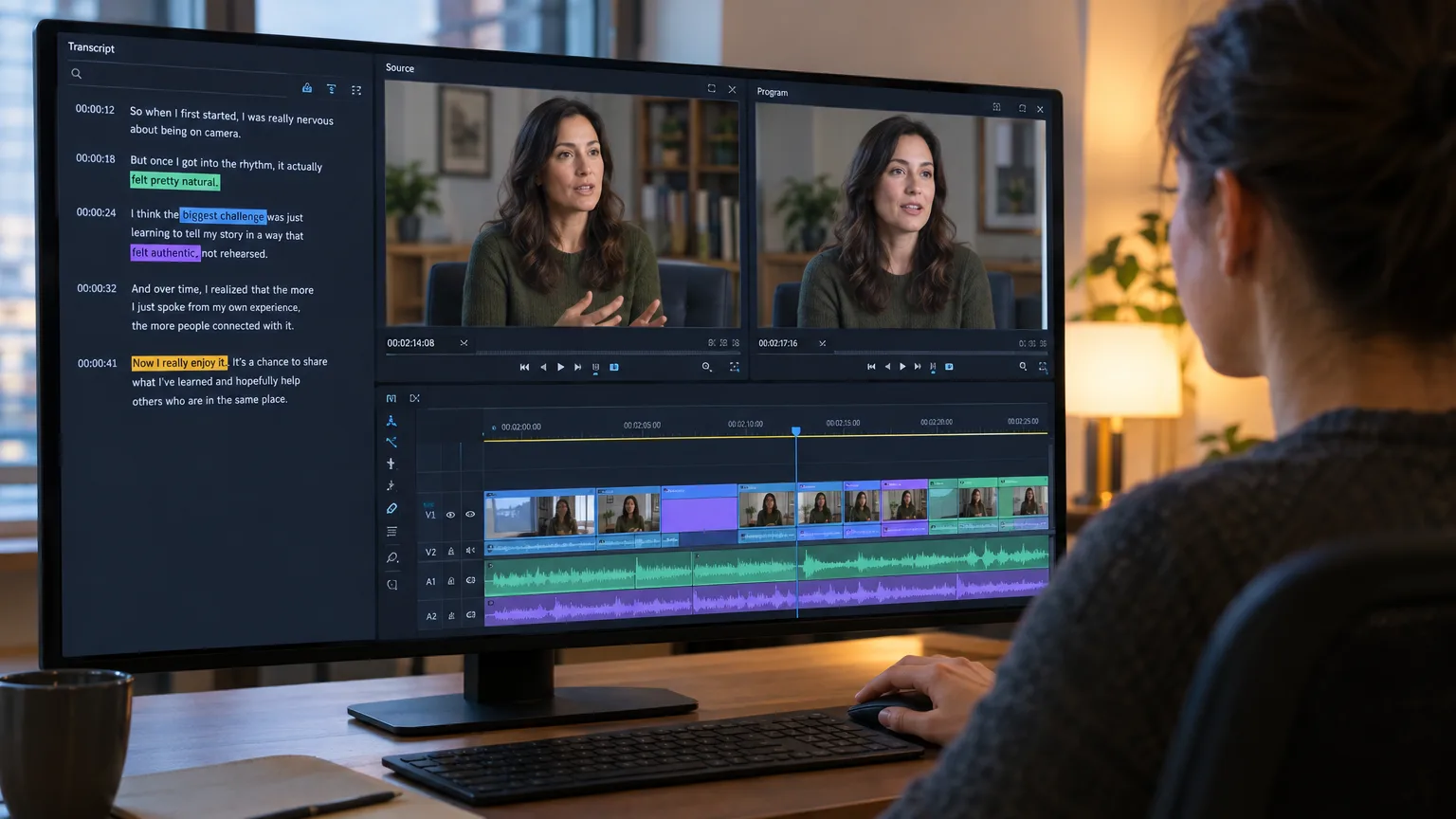
Text-based editing lives inside the NLE, on footage that's already been ingested and usually already placed. You're not building a paper edit, you're using the transcript as a faster way to trim, remove ums, or reorder a handful of selects that are already sitting in your project. Premiere's text-based editing panel is a trimming convenience for editors who are already working inside Premiere Pro. It doesn't ask you to plan structure before you start cutting picture, and it doesn't produce a shareable, reviewable document the way a paper edit does.
That single distinction, pre-edit stage versus in-timeline feature, is the cleanest way to keep the two terms straight. If the tool exists to help you decide what the story is before you cut, it's a transcript-based editor. If it exists to help you cut faster inside a project you've already built, it's text-based editing.
Comparing the workflows
Selecting Words on Paper vs Trimming a Loaded Timeline
Picture two editors given the same three-hour interview.
Editor A opens a transcript-based editor. She reads the transcript at reading speed, which is faster than listening in real time, highlights the forty best lines, drags them into an order that builds an argument, and deletes the rest. A producer reviews the arrangement as a document or a share link and approves it in fifteen minutes without sitting through any footage at all. She exports the selects as a sequence with word-level timecode intact and opens it in Avid, where every cut point is already frame-accurate. She still has full creative control inside the NLE afterward: the export is a starting point, not a finished cut.
Editor B works only in Premiere Pro. He ingests the same interview, drops it on a timeline, and uses text-based editing to scan the transcript panel for good lines while he's already looking at clips in the timeline. He deletes filler words as he finds them and reorders a few sentences by dragging text. There's no separate review document; his producer has to sit through the assembled sequence to give notes, because the transcript view isn't set up as a client-facing pre-edit artifact.
Neither workflow is wrong. Editor A's approach front-loads structural decisions and gets stakeholder buy-in before timeline work starts, which is the single biggest time-saver a paper edit provides, because timeline revisions are always more expensive than text revisions. Editor B's approach is faster for a short piece where there's no separate approval step and the editor is deciding structure and cutting picture in the same sitting.
Tool by tool
Where Popular Tools Actually Sit
Here's how the better-known names split across the two categories, with real pricing where a vendor publishes it.
| Tool | Category | Where it lives | Typical output | Price (as of September 2026) |
|---|---|---|---|---|
| ScriptCut | Transcript-based editor | Standalone, before the NLE | Timeline export (XML), transcript, subtitles, audio | Free tier plus paid ProAI plan |
| Descript | Transcript-based editor | Standalone, doubles as a light NLE | Native export or round-trip | Free plan; paid plans roughly $16 to $50 per month billed annually |
| Reduct | Transcript-based editor | Standalone, browser-based | Selects, string-outs, exports | Personal and Professional tiers, roughly $15 to $50 per editor per month |
| Premiere Pro (Text-Based Editing) | In-NLE feature | Inside an existing timeline | Trimmed sequence, no separate document | Included with an Adobe Creative Cloud subscription |
Reviewing Reduct for ProVideo Coalition, editor Scott Simmons noted that "you really have to dig into all the features to get an idea of what Reduct can do", which is a fair description of the standalone category generally: the depth is in the pre-edit tooling, not just the transcript view. For a wider rundown of the standalone category, see the best transcript-based video editing tools.
Handoff and formats
How Both Approaches Reach the Same Finished Timeline
A transcript-based editor's job ends at handoff. ScriptCut, for example, keeps word-level timecode on every selected line so the export lands as a frame-accurate sequence rather than a rough guess, and it exports to the file formats your NLE actually reads, an XML sequence, subtitles, a clean transcript, or the audio itself, so DaVinci Resolve, Premiere Pro, Final Cut Pro, or Avid can pick up exactly where the paper edit left off. Text-based editing skips that handoff because there's nothing to hand off to: you're already in the NLE, and the trimmed clips just live on the sequence you started with. DaVinci Resolve has its own version of this in-timeline trimming, covered in transcript-based editing in DaVinci Resolve, and it works on the same principle as Premiere's feature: convenient inside a project, not a substitute for the pre-edit stage.
This is also where the two approaches meet. Nothing stops an editor from building a paper edit in a dedicated tool, exporting it into Premiere Pro, and then using text-based editing for the fine trims once the structure is locked. Several documentary cutting rooms already work this way: paper edit for structure, in-NLE text tools for the last pass. The BBC's factual series "Empire," cut by editor Dilesh Korya, paper-edited three-camera interviews before conforming in DaVinci Resolve, a workflow the team has said saves days compared to conforming first and structuring second.
Deciding which one you need
When a Dedicated Transcript-Based Editor Earns Its Place
Reach for a standalone transcript-based editor when any of these are true: you're cutting down more than roughly an hour of raw footage, more than one person needs to approve the structure before an NLE gets touched, the footage will get repurposed into multiple deliverables from the same selects, or your final timeline isn't in Premiere Pro at all. A three-hour panel discussion, a season of podcast interviews, or a documentary shoot at a 40:1 ratio all fall firmly into this bucket. The pre-edit stage is where you save the most time, because a producer reading a document takes minutes where sitting through a full assembly takes an hour, and because cutting a long interview down by ear, one pass at a time, is the slowest way to find the story.
Premiere's text-based editing is enough when the piece is short, you're the only person deciding what stays, and you're already committed to Premiere Pro as your finishing tool. A five-minute testimonial video, a single social clip pulled from an event recording, or quick filler removal on a talking-head segment doesn't need a separate pre-edit document. Building a full paper edit for a two-minute piece is more process than the job needs.
Common mistakes
Where Editors Get This Wrong
The most common mistake is treating text-based editing as a replacement for the paper-edit stage on long-form work. It's a trimming feature, not a structuring tool, and it doesn't produce anything a client can review without sitting through an assembled sequence. Teams that skip the pre-edit and go straight to Premiere's transcript panel on a three-hour shoot end up structuring and finishing at the same time, which is exactly the expensive habit the paper edit exists to avoid.
The second mistake runs the other way: assuming a transcript-based editor's export is a finished cut. It isn't, and it was never meant to be. A paper edit is a hypothesis about structure built from words on a page. Words are not performance, so every selected line still needs to be checked on the actual clip for tone, timing, and whether it says what it seems to say in isolation. ScriptCut lets you play any selected clip for exactly this reason: the transcript tells you what was said, the clip tells you how it was said.
The third mistake is vendor language itself. Some standalone tools now market their own transcript panels as "text-based editing" to ride Adobe's search traffic, which muddies an already confusing pair of terms. When you're evaluating a tool, ignore the label and ask the only question that matters: does this replace my NLE timeline, or does it live inside one?
If you're building a paper edit before every finishing session, not just trimming inside one, ScriptCut is built for exactly that stage: select the transcript, arrange the story, share it for approval, and export a frame-accurate timeline to whichever NLE your team finishes in.
Sources
frequently asked questions
No. A transcript-based editor is a standalone pre-edit tool used before the NLE, while text-based editing is Adobe's specific feature for trimming clips already placed on a Premiere Pro timeline.
For short pieces where one person is deciding structure and cutting picture at the same time, yes. For long-form footage with more than one stakeholder, a dedicated transcript-based editor gets you approval before timeline work starts, which text-based editing was never built to provide.
DaVinci Resolve has added transcript-driven editing tools of its own in recent versions, but it functions the same way as Premiere's feature: it trims footage already on a timeline rather than replacing the pre-edit stage.
Tools like ScriptCut export a timeline sequence such as XML along with subtitles, a clean transcript, or the audio itself, so the editor can open the paper edit directly in Premiere Pro, DaVinci Resolve, Final Cut Pro, or Avid.
Yes. A paper edit is a hypothesis built from words, not performance, so every selected line should be played back to confirm tone and timing before you lock structure.
Descript is a standalone transcript-based editor. It doubles as a light NLE, but the transcript-first selection process happens outside any traditional timeline-based editing app.
You might also like...





Start selecting.

Pick the story in the transcript, export a finished rough cut.
Get the ScriptCut newsletter
Thanks! Check your inbox to confirm.
Something went wrong. Please try again.