

Best AI Podcast Clip Generators (2026)
Short answer: there is no single best AI podcast clip generator, there is a best one for how your show actually works. If you post 20 to 40 clips a week and can live with an algorithm picking the moments, an auto-clipper wins on speed. If you produce fewer, higher-stakes clips for a brand or a client who needs to sign off before anything goes out, a transcript-first tool that hands you a real editable timeline wins on quality control. This roundup covers both camps honestly, with real 2026 pricing, so you can pick the one that fits the show you actually run.
The Field
Seven tools worth putting side by side in 2026
We looked at the tools people actually compare when they type "best podcast clip generator" into Google: three heavyweight auto-clippers, two recording platforms with built-in clipping, one AI editing suite, and ScriptCut, which does not auto-clip at all. Pricing below is billed monthly unless noted, current as of July 2026, and pulled directly from each vendor's own pricing page.
| Tool | Best for | Free tier | Entry paid plan | Output |
|---|---|---|---|---|
| Opus Clip | High-volume auto-posting | 60 min/mo, watermarked, 3-day storage | Starter $15/mo (150 min/mo) | Locked MP4 |
| Vizard | Solo creators on a budget | 60 credits/mo, watermarked | Creator ~$14.50/mo (billed yearly) | Locked MP4 |
| Klap | Agencies clipping client shows | 15-minute trial | Creator from ~$29/mo | Locked MP4 |
| Munch | Teams running paid ad-style clip funnels | None | Pro $49/mo (billed yearly) | Locked MP4 |
| Riverside (Magic Clips) | Shows already recording in Riverside | 1 clip set/recording, watermarked | Pro $24/mo (billed yearly) | Locked MP4 |
| Descript | Solo hosts who also want a text-based editor | ~60 media minutes/mo | Hobbyist $16/mo (billed yearly) | Locked MP4, some project export |
| ScriptCut AI Clips | Branded or client shows that finish in a pro NLE | Free plan, 5GB storage | Starter $15/mo (billed yearly) | XML, EDL, subtitles, audio |
Worth saying plainly: Opus Clip, Vizard, Klap, Munch, and Riverside's Magic Clips are not really ScriptCut's competitors. They are locked-MP4 auto-clippers built to post fast. ScriptCut is a pre-edit tool that hands you a timeline. If what you want is a button that spits out ten TikToks while you make coffee, one of the first five belongs on your shortlist, not ScriptCut.
Auto vs Control
Two philosophies, not one industry
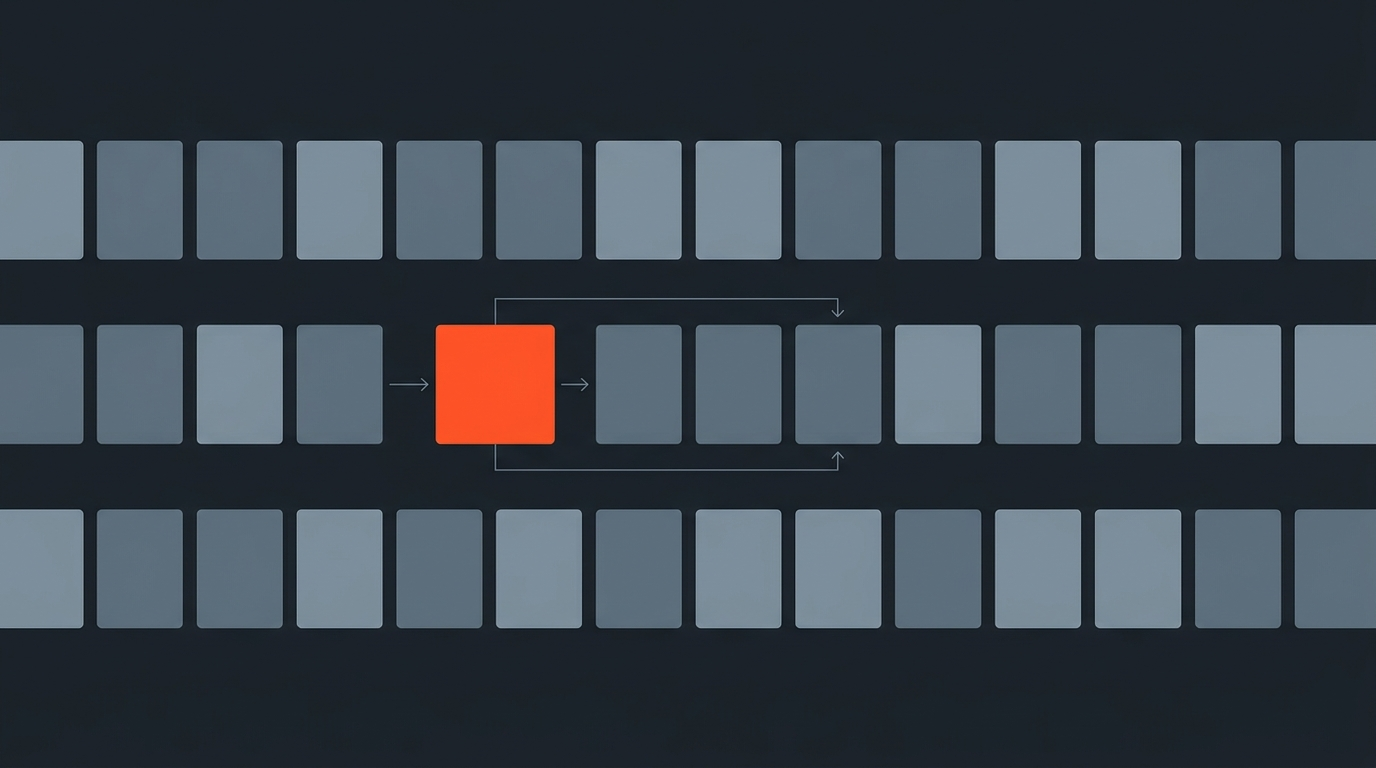
The auto-clipper camp treats the transcript as an input the AI reads once, scores for "virality," and throws away. You get a folder of finished vertical videos with captions burned in. It is fast, and for a daily-posting show that is exactly the point: nobody watches ten hours of a feed before deciding what to post.
Here is what the auto-clipper side of that split actually looks like end to end, from a long upload to a batch of finished vertical clips:
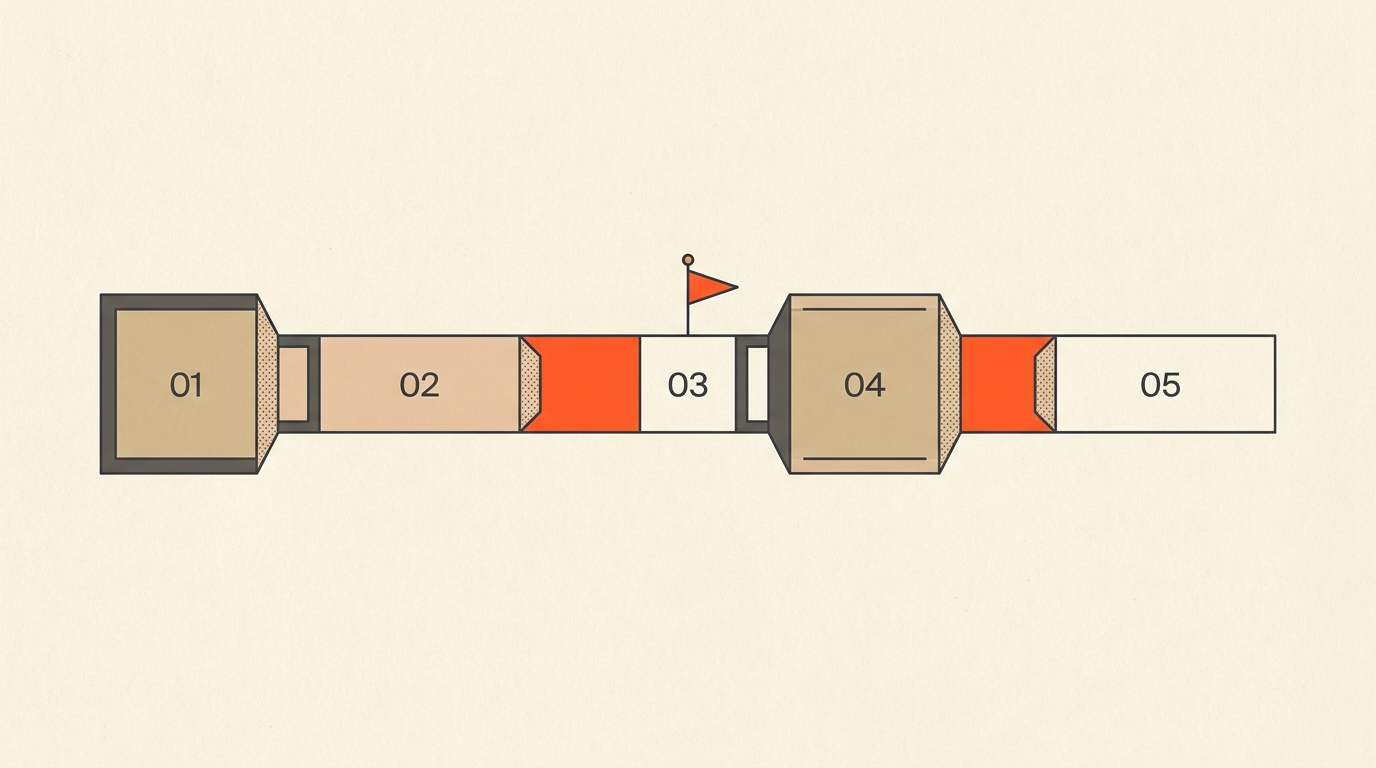
The control camp treats the transcript as the workbench. You read it like a script, mark the lines that carry the story, and the tool keeps every cut tied to a precise word-level timecode. Nothing renders until you say so, and what comes out is not a locked video but a real sequence you can still grade, caption, and finish by hand. That is a slower first pass and a much stronger last mile.
Neither philosophy is wrong. They are built for different jobs. A daily news-reaction show and a quarterly brand documentary should not use the same tool, the same way a wire-service photographer and a magazine photographer do not use the same workflow.
Worked Example
How two real shows actually clip
The Diary of a CEO, hosted by Steven Bartlett, is one of the most cited examples of aggressive clip distribution: multiple shorts per episode across TikTok, Instagram, and YouTube Shorts, cut around a single cliffhanger line, alongside a full transcript and show notes. Huberman Lab runs the same playbook at a different pace, turning 2.5-hour episodes into dozens of standalone highlight clips a week. Both shows treat clipping as a volume business: more surface area on more feeds, not one perfect clip. That is the auto-clipper use case in its purest form, and it is a legitimate one.
Compare that to a branded podcast a marketing team is cutting for a client, the exact shape of a video editing workflow built around client approval. There might be six usable clips in a 40-minute episode, but each one needs the client's exact color grade, a specific lower third, and sign-off before it posts. Speed is not the constraint there, control is. That is the ScriptCut use case: fewer clips, higher stakes, a real timeline at the end instead of a locked file.
Pricing Reality
What you pay once you actually use one of these
Every auto-clipper on this list bills by source minutes processed, not by clips produced, so your real cost scales with how much raw footage you upload, not how many clips you keep. Independent pricing breakdowns of Opus Clip note that a single 90-minute podcast can burn through a big share of a monthly minute allowance in one upload, which pushes active shows toward the $29-plus tiers fast.
ScriptCut prices differently: plans are $0 (Free), $19/mo or $15/mo billed annually (Starter), and $29/mo or $24/mo billed annually (ProAI), with transcription billed per hour of source audio rather than a shrinking monthly minute pool. There is no auto-clip credit system to run out of, because ScriptCut is not generating finished videos, it is generating an editable cut list.
The Fit Test
Questions to answer before you subscribe to anything
- Do you need ten clips a day, or six clips a month? Volume favors auto-clippers; scarcity favors control.
- Does anyone besides you need to approve a clip before it posts? If yes, you need a shareable review step, not a locked MP4.
- Does the finished clip need color grading, a client's specific lower third, or a custom caption style your editor builds by hand? That needs a real timeline, not a rendered video.
- Are you clipping raw single-camera audio, or a multicam recording that needs an editor's touch anyway? Multicam shows usually end up in a pro NLE no matter which tool starts the process.
Where ScriptCut Fits
A pre-edit tool, not a tenth auto-clipper
ScriptCut does not compete on rendered-video speed. It surfaces strong moments in the transcript, keeps every selection tied to a word-level timecode, and lets a client approve the cut through a share link before anything is exported. The output is a real paper edit turned into an accurately timecoded XML or EDL sequence that opens in DaVinci Resolve, Premiere Pro, Final Cut Pro, or Avid, ready for an editor to grade, caption, and finish. If your show already ends in a pro NLE, that is a full step removed from your week. If your show ends the moment a caption gets burned in, it is the wrong tool, and one of the auto-clippers above is the right call.
Common Mistakes
Where shows waste money on clip tools
The most common mistake is buying an auto-clipper's top tier for volume you do not actually post, then discovering the "virality score" still needs a human to pick the final cut anyway. The second most common mistake runs the other way: agencies stuck hand-scrubbing footage in a timeline for client work that could have started from a fifteen-minute transcript read, the way a repeatable clip pass is built. Match the tool to the job before you match the plan to the tool.
Sources
frequently asked questions
There is no single best one. Opus Clip, Vizard, Klap, Munch, and Riverside's Magic Clips are the strongest auto-clippers for high-volume posting. ScriptCut is the right pick if you need a real editable timeline and client approval instead of a locked video file.
Opus Clip runs $0 (Free, watermarked, 60 min/mo), $15/mo (Starter, 150 min/mo), and $29/mo (Pro, 300 min/mo), or $19/mo on the Pro plan billed annually, as of July 2026.
Most auto-clippers only output a locked MP4 file, not an editable sequence. ScriptCut instead exports a real XML timeline that opens in DaVinci Resolve, Premiere Pro, Final Cut Pro, or Avid.
Not directly. Opus Clip and similar tools auto-generate finished vertical videos for fast posting; ScriptCut is a pre-edit tool that surfaces clip-worthy moments in the transcript and hands them to an editor as a timeline.
A realistic target is five to eight strong clips per hour-long episode, though shows running an aggressive social strategy, like The Diary of a CEO or Huberman Lab, often push well past that with a repeatable process.
They can, but branded work usually needs a specific color grade, lower third, or caption style a locked MP4 cannot deliver, which is where a transcript-first tool with real export formats fits better.
You might also like...


Start selecting.

Pick the story in the transcript, export a finished rough cut.