
Improvement
Storage Now Breaks Down by Category
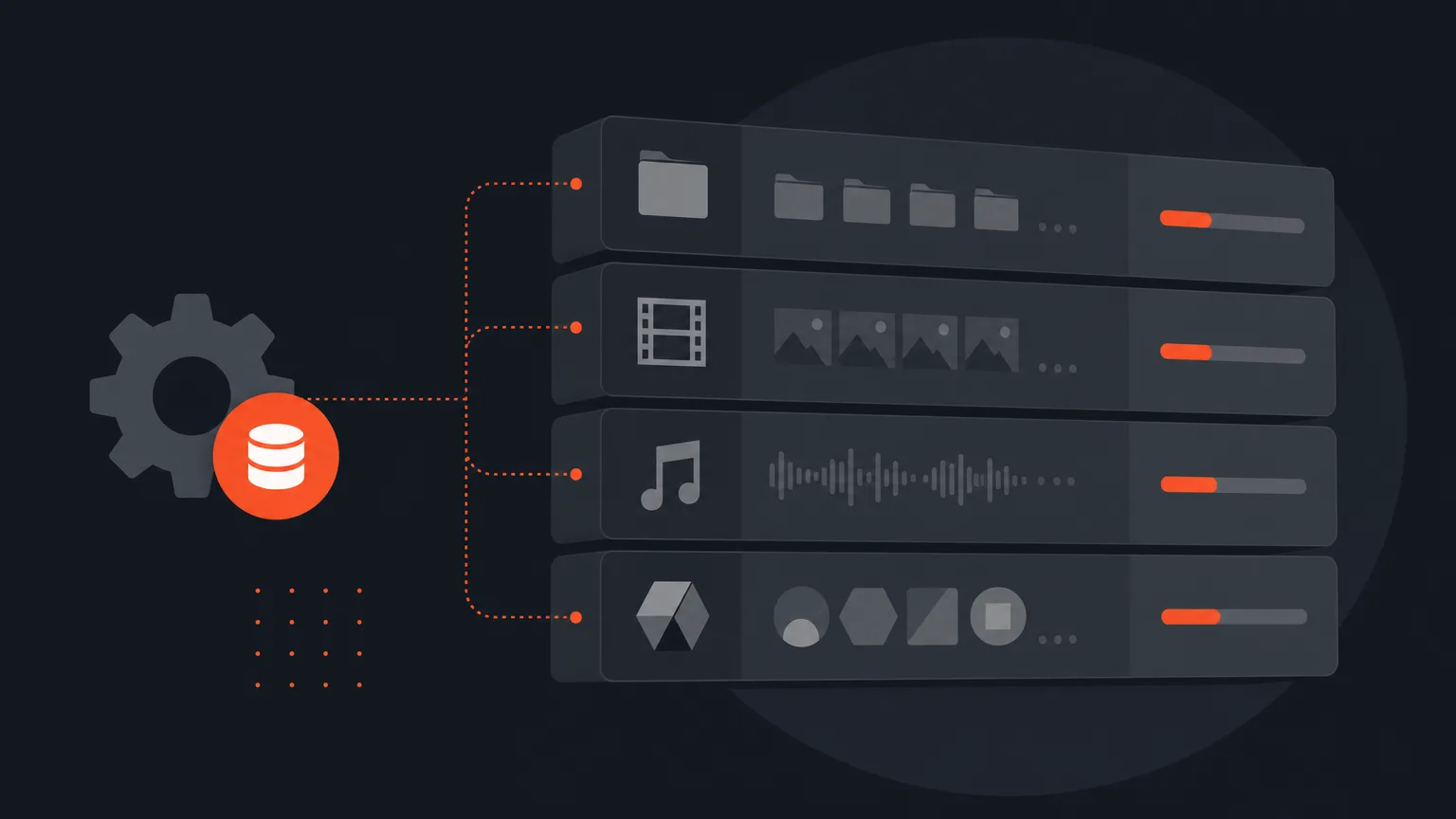
Settings > Storage now shows exactly what is filling your account, because B-roll, music and logos each get their own row instead of hiding inside one mystery total.
The Problem It Fixes
Your project list shows how much space each project uses, biggest first, with a usage bar if your plan has a storage cap. But B-roll clips, music tracks and opening or closing videos belong to a client, not to a project. They never showed up on any project row, even though their bytes counted toward your total. An agency with 20GB of B-roll would see 20GB of usage it could not explain by scrolling through projects.
What Changed
Above the project list, a Client library card now breaks that leftover space into its own rows: B-roll, music and opening or closing videos, each with its size and how many files it holds. Add up the rows and the projects, and you get the whole of your usage, no gap left over.
Logos And Fonts
Logos and fonts appear as a count only, not a size. The card explains why: they are held separately from your videos, they are tiny, and they do not count toward your storage limit.
How It Works In Practice
Say a coffee brand's account shows 40GB used but the project rows only add up to 25GB. Before, you would have no way to find the other 15GB. Now the Client library card shows B-roll at 10GB across 40 files and music at 5GB across 12 tracks, so you know exactly where that space went and which client to check under Social.
Who This Helps
Agencies and teams juggling several clients get the most out of this, since B-roll and music libraries tend to pile up fastest and were the hardest usage to explain. Anyone trying to stay under a storage cap can now see the full picture instead of guessing.
Check your breakdown any time in ScriptCut.
frequently asked questions
B-roll, music and opening or closing videos belong to a client rather than a project, so their bytes were counted in your total but never shown on a project row.
In Settings > Storage, above your project list, in the Client library card, which now splits into B-roll, music and video rows with size and file counts.
No, they are held separately from your videos, shown as a count only, and they do not count toward your limit.
You manage those files in Social under the client they belong to, since they are tied to a client rather than a single project.
No, your transcript and exports always stay, so the project keeps working even after you free up space.
Yes, each project row has 'Remove video, keep audio' and 'Remove audio' buttons that work directly from the Storage screen.
Start selecting.

Pick the story in the transcript, export a finished rough cut.
Get the ScriptCut newsletter
Thanks! Check your inbox to confirm.
Something went wrong. Please try again.