
Improvement
Shared Defaults Get Smarter Over Time
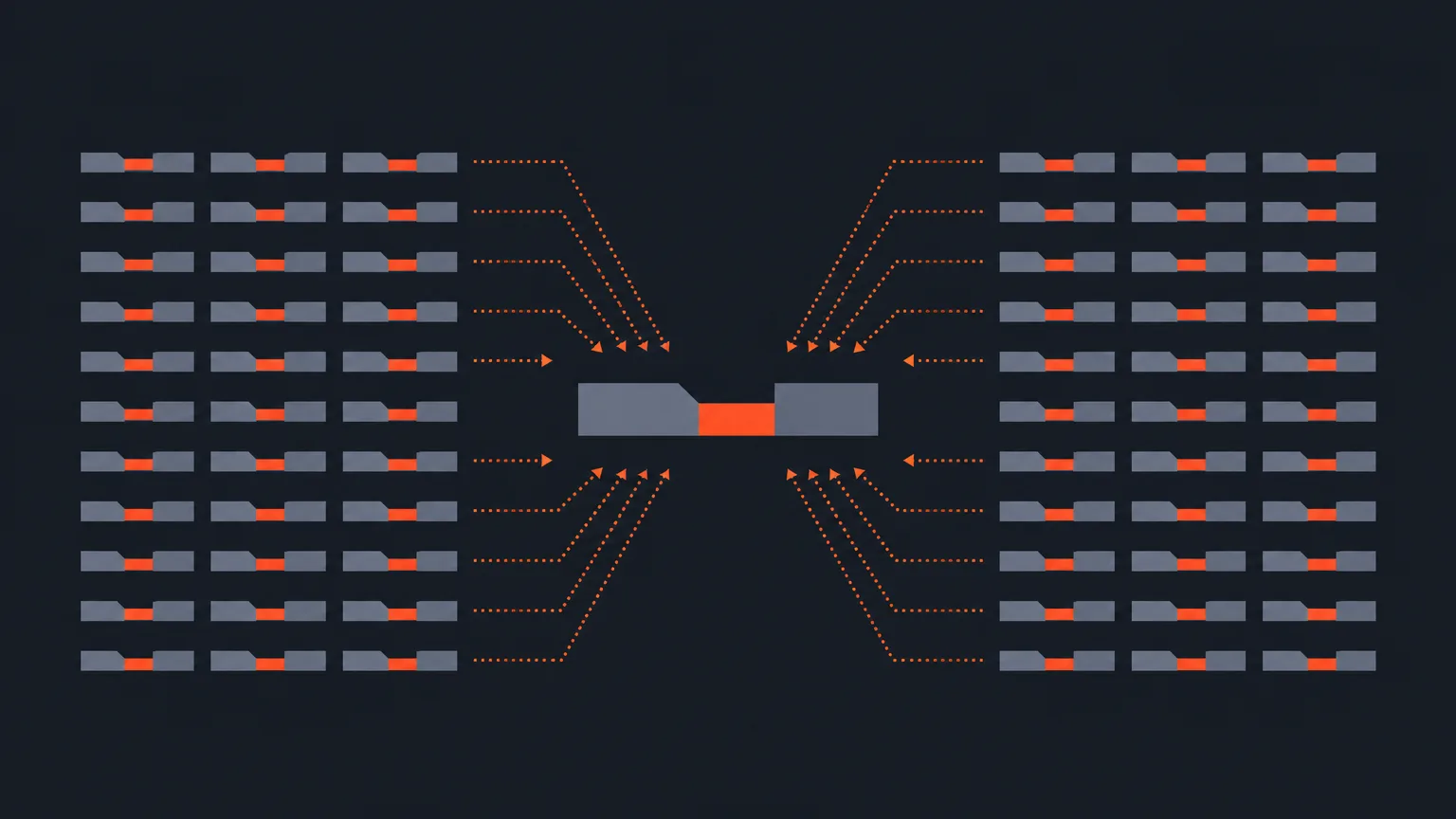
ScriptCut now improves its default behavior for everyone when many separate accounts make the same kind of correction, without ever looking at anyone's transcripts, prompts or footage.
What It Is
Settings already had a section that learns from your own edits. Now there is a second layer next to it, labeled 'From other editors,' that reflects patterns seen across many ScriptCut accounts. If enough accounts independently adjust the AI the same way, that adjustment becomes part of the standard default going forward.
The Problem It Removes
Some fixes are not personal preference, they are just better defaults. Before this, every account had to teach ScriptCut the same lesson on its own, over and over, even when the correction was obvious and common. That wasted time on edits that should have been automatic from day one.
How It Works
Say a large number of ScriptCut accounts, across podcasts, UGC and documentary work, all trim the same kind of filler pause the AI keeps leaving in. Once enough accounts make that same change, ScriptCut adjusts its shared default so new accounts see cleaner cuts from the start, without having to teach it themselves. Anything ScriptCut has already learned about your account personally still takes priority over these shared defaults, and you can delete any line under 'From other editors' the same way you manage your own learned settings.
Who It Helps
This helps any editor or team starting fresh on ScriptCut, since the AI's baseline is already shaped by common fixes other editors made. It also helps accounts that rarely revisit Settings, since the defaults they never customized keep quietly getting better on their own.
Ready to see your defaults in action? Open ScriptCut.
frequently asked questions
No. Only counts of how many accounts made the same kind of change are used, never the actual content, prompts or footage from any account.
No. Anything ScriptCut has learned about your account personally always takes priority over the shared 'From other editors' defaults.
They appear in a section labeled 'From other editors' on the same Settings page as your own personal learned adjustments.
Yes, you can delete any line under 'From other editors' the same way you manage your own account's learned settings.
When enough separate ScriptCut accounts independently make the same adjustment to the AI's output, that pattern becomes a better default for everybody.
No, it runs alongside it. Your personal learning stays separate and always wins if the two ever disagree.
Start selecting.

Pick the story in the transcript, export a finished rough cut.
Get the ScriptCut newsletter
Thanks! Check your inbox to confirm.
Something went wrong. Please try again.