
Improvement
Set the Right Shape Per Network
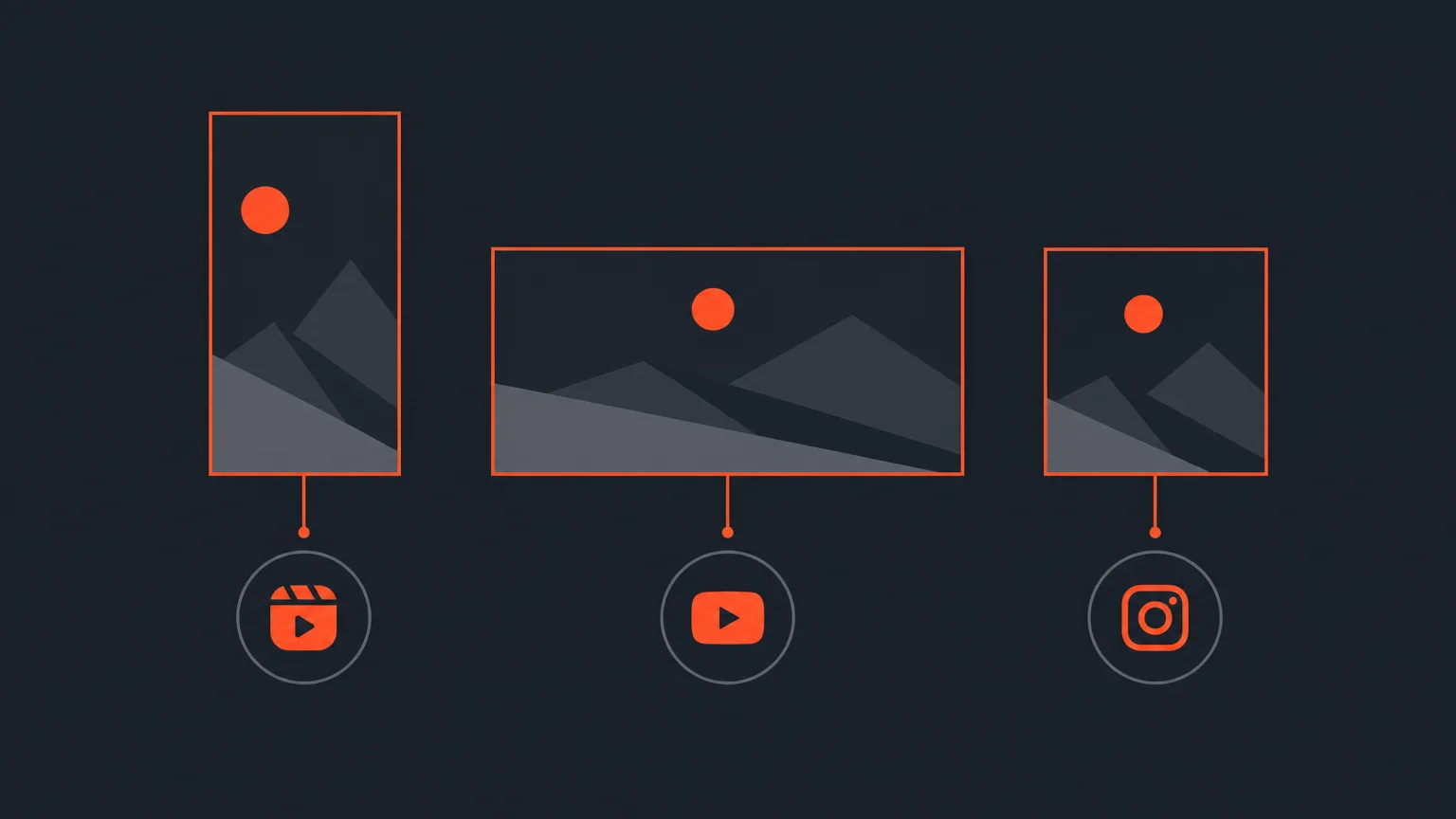
You can now set a clip shape for each network a client is connected to, so ScriptCut knows a client wants vertical on Instagram but wide on YouTube without you having to remember it every time.
What it is
Inside a client kit, under Social > Accounts, you already set the shape rules for that client. Now you can go further than one default shape for everything. The networks you see there are only the accounts you have actually connected to that client, and each one can be given its own shape that overrides the client's default.
The problem it removes
Most clients are not one shape everywhere. A coffee brand might want every clip vertical for Reels and TikTok, but wide for their YouTube channel. Without a per network setting, you end up relying on memory or a note somewhere else, and it is easy to export the wrong shape and catch it too late.
How it works in practice
Open the client's kit and look at the connected accounts. Set the client's default shape, then set a different shape on any network that needs one, for example YouTube set to widescreen while everything else stays vertical. A clip is still made in one shape. This setting is what the share step checks the clip against, and it tells you if a clip does not match the shape that network expects. Nothing gets re-rendered behind your back, you just get a clear warning before you post the wrong shape.
Who it helps most
This is for anyone managing several networks for the same client: agencies juggling a client's Instagram, TikTok and YouTube at once, in house editors posting a podcast host's show across formats, or freelancers who handle a brand's full social presence and cannot afford to mix up shapes between platforms.
Try it in ScriptCut.
frequently asked questions
No. The networks you see under Social > Accounts are only the accounts you have actually connected to that client, and each one can have its own shape.
It falls back to the client's default shape set in the same kit.
Yes. A client can be vertical everywhere except YouTube, where you can set it to widescreen, and ScriptCut remembers this per network.
No. A clip is made in one shape, and the share step checks it against the network's expected shape and warns you if it does not match, but nothing is re-rendered for you.
In the client kit, under Social > Accounts, next to the client's folder.
No, it works alongside it. The client still has a default shape, and per network settings only override it where needed.
Start selecting.

Pick the story in the transcript, export a finished rough cut.
Get the ScriptCut newsletter
Thanks! Check your inbox to confirm.
Something went wrong. Please try again.