
Improvement
Precise Logo Bug Placement, Shape By Shape
You can now drag a client's logo to the exact spot on a live preview of every clip shape, set its own scale and opacity per shape, and let ScriptCut pick a light or dark version automatically so the mark always reads.
What changed
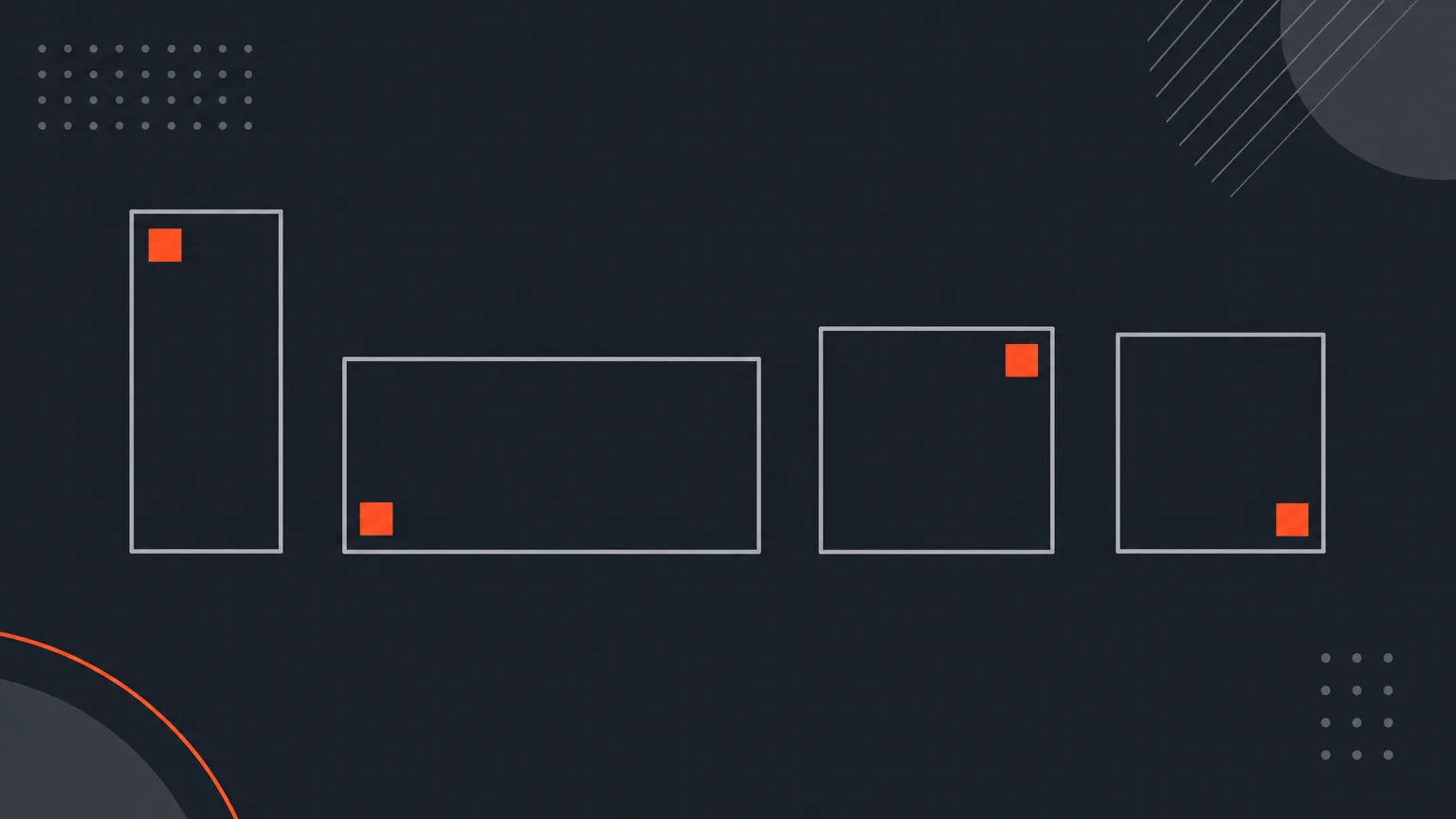
Inside a client's kit on the Social > Accounts screen, open one of their logos and you get a live preview for each shape you export in: 9:16, 16:9, 1:1 and 4:5. Drag the logo where it belongs on that shape, then give it its own scale and opacity. If a client wants the same placement everywhere, set it once and press Use everywhere instead of repeating the work four times.
The problem it removes
A logo bug that looks right on a vertical clip often sits in the wrong spot, at the wrong size, on a square or widescreen version of the same clip. Before this, you had no way to fine tune position per shape, so bugs ended up too big, too small, or covering a face on at least one format.
How it works in practice
Say a coffee brand wants their logo bottom right on 9:16, but smaller and top left on 16:9 because that's where their YouTube captions sit. Open their logo, adjust each shape's preview once, save, and every future clip in that shape carries the logo in that exact spot. Arrow keys nudge the mark a hundredth of the frame per press, or ten times that with Shift, for placements too fine for a drag.
Light and dark logos, and one-off exceptions
Name one of the client's other logos as the bright-shot version, and ScriptCut checks the picture behind the mark on each finished clip and burns in whichever version will actually be readable, in the same spot and size either way. Naming each logo also helps you tell a light and dark wordmark apart in the gallery. If one clip needs to go out without any logo at all, the Video step has a Logo bug switch that turns it off for that clip only, without touching the client's saved setup.
Who this helps most
Anyone cutting clips for a client or brand across multiple formats: agencies delivering a full platform kit from one recording, in-house editors juggling YouTube widescreen alongside vertical shorts, and podcast teams whose sponsor logo has to sit cleanly on every shape without a manual check each time.
Try it now in ScriptCut.
frequently asked questions
No. You can set placement, scale and opacity on one shape and press Use everywhere to apply it to all the shapes you export in.
Yes. The Video step of any clip has a Logo bug switch that removes the logo from that clip only, without changing the client's saved setup.
You name one of the client's logos as the bright-shot version, and ScriptCut checks the picture behind the mark on each finished clip and burns in whichever version will be readable, in the same spot and size.
Arrow keys nudge the logo a hundredth of the frame width per press, or ten times that with Shift held, for placements a drag can't get precise enough.
No. Placement settings apply to clips you make going forward; nothing is re-rendered behind your back.
9:16, 16:9, 1:1 and 4:5, each with its own preview, scale and opacity.
Start selecting.

Pick the story in the transcript, export a finished rough cut.
Get the ScriptCut newsletter
Thanks! Check your inbox to confirm.
Something went wrong. Please try again.