
Improvement
Client Kit Now Works As A Preset
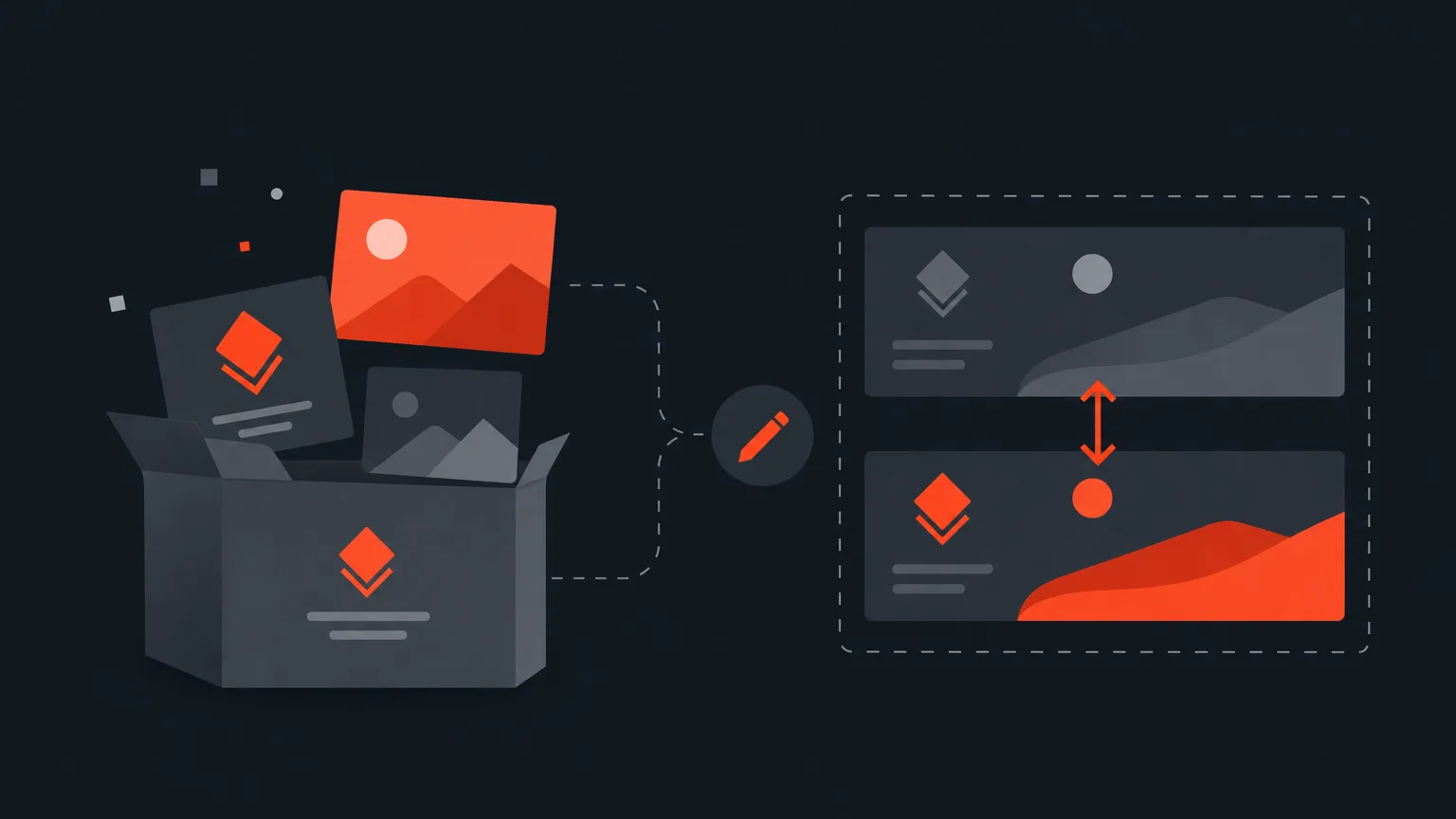
Your client kit now acts as a starting preset: the logo and opening video you set for a client load automatically into every new project, and you can still swap either one for a single job without touching the client's saved setup.
What changed
Client kit lives in Social > Accounts, next to each client's folder. It holds the creative rules you set once for that client: clip shape, caption look, highlight colour, cover style, headline font, words the AI must use or avoid, brand colours, and the logo bug burned into every clip. Until now you'd confirm these on each project. Now the kit fills them in for you as soon as you start a new project for that client, so the logo and opening video are already sitting there, ready to export.
The problem it removes
Reapplying the same logo and opener on every single project wastes time and invites mistakes, especially on a busy week with several clients in the queue. A preset means the correct branding shows up by default, and you only ever touch it when something genuinely needs to be different for that one project.
How it works in practice
Say you manage a coffee brand's account. Their client kit already has their logo gallery set up, with a light and dark version named so you can tell them apart, and it knows which shape each connected network wants. Start a new project for that brand and the logo and opening video are already in place, positioned exactly where you set them last time. If this particular batch of clips needs to go out without any logo, the Video step still has the Logo bug switch, and turning it off there only affects that one clip. The client's own kit, and every other project you make for them, stays untouched.
The same one-off flexibility applies to colour: the kit's brand colours replace your own picker for that client's clips, but a custom colour is always one click away for a single clip, and right-clicking a swatch adds it to the client's palette for good if you decide it should stick around.
Who this helps
This helps anyone juggling more than one client or brand: agencies running several accounts at once, freelance editors with a roster of regulars, and in house teams that need every clip on brand without re checking it each time. It's just as useful if you handle one client but want to stop re dragging the same logo onto every project.
Ready to see your client's branding load in automatically? Open ScriptCut and start a new project for a client with a saved kit.
frequently asked questions
No, if you've already saved a logo and opening video in a client's kit under Social > Accounts, they'll load automatically into new projects for that client.
Yes, the Video step of that clip has a Logo bug switch that turns the logo off for that clip only and leaves the client's saved kit unchanged.
No, a change you make for a single project stays with that project. The client's kit is only updated if you edit it directly in Social > Accounts.
You can name one of the client's other logos as the bright shot version, and ScriptCut checks the picture behind the mark on each clip and burns in whichever version is readable, in the same spot and size.
Yes, the client kit's colours, caption look, highlight colour, cover style and headline font all apply the same way the logo and opener do.
Yes, a custom colour is one click away and lasts for that clip only, unless you right click the swatch to add it to the client's colours for good.
Start selecting.

Pick the story in the transcript, export a finished rough cut.
Get the ScriptCut newsletter
Thanks! Check your inbox to confirm.
Something went wrong. Please try again.