
Improvement
A Tidier Inspector Panel
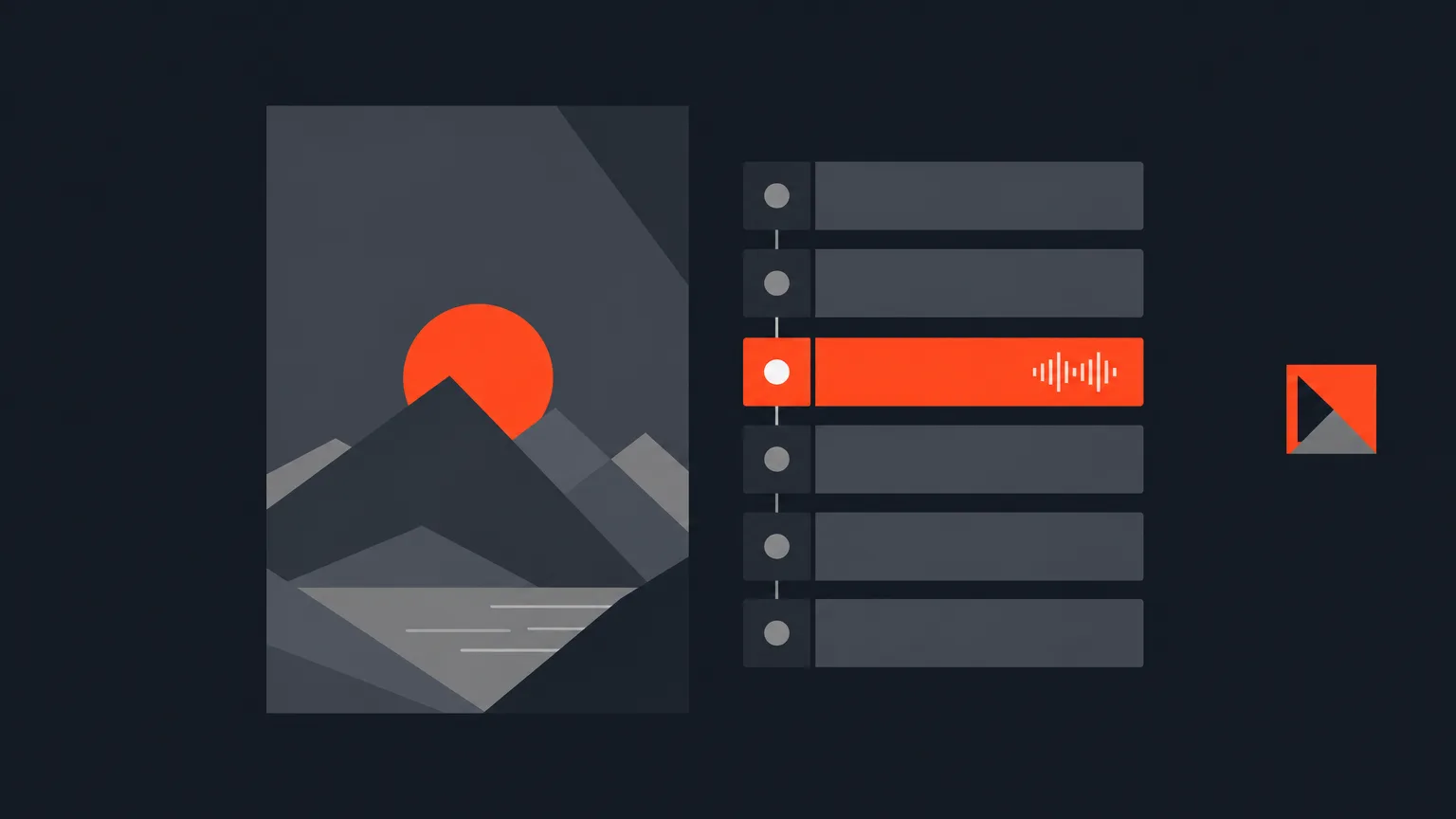
The Inspector, the panel of numbered steps on the right of the Social clip editor, is now one tidy panel, with the Music controls moved into the Video step and the logo bug repositioned to the right side of the picture.
What Changed
Music used to feel like its own separate stop. Now it lives as the last section inside the Video step, right where you already are when you are picking B-roll and shaping the clip. You add tracks the same way you always have, with Upload or Add from Gallery, then press Use or drag a track onto the timeline. Nothing about how music plays, loops or fades has changed, it is just grouped with the rest of the video work instead of pulled off on its own.
Why It Matters
When every step of a clip lives in one place, you stop hunting for the right panel while you edit. You pick your best lines, drop in B-roll, set the music bed and check the logo, all without jumping between sections that used to feel scattered. Less panel-hopping means more time spent actually shaping the clip.
In Practice
Say you are cutting a clip for a coffee brand's podcast episode. You open the Video step, drop in a B-roll shot of the cafe, then scroll down to the same step's Music section to add a bed under the clip. The track shows up as a green audio row under your video on the timeline, lined up second for second with the picture. You glance at the logo bug sitting to the right of the frame, confirm it is in the brand's usual spot, and move on. One step, one panel, no detours.
Who It Helps
Anyone cutting social clips from long recordings, whether that is a podcast host, a video editor working through client footage or an agency team turning interviews and panels into short clips. If you touch the Video step on every clip you make, this saves you a bit of friction on every single one.
Open the Social clip editor in ScriptCut and see the new Inspector for yourself.
frequently asked questions
No, it applies automatically to the Social clip editor. Your existing music, B-roll and logo settings are unchanged.
No. Music still starts at the top of the clip, loops if short, fades out at the end and plays under the clip only. Only its location in the Inspector has moved.
It is the last section inside the Video step of the Inspector, below B-roll, instead of its own separate step.
The logo bug now sits to the right side of the frame by default. You can still open a client's logo settings and drag it to any position you want.
No. This changes where a newly placed logo sits by default. Existing clips keep the position they were exported with.
Yes, the Logo bug switch in the Video step still lets you send a single clip without it, without changing the client's overall setup.
Start selecting.

Pick the story in the transcript, export a finished rough cut.
Get the ScriptCut newsletter
Thanks! Check your inbox to confirm.
Something went wrong. Please try again.