
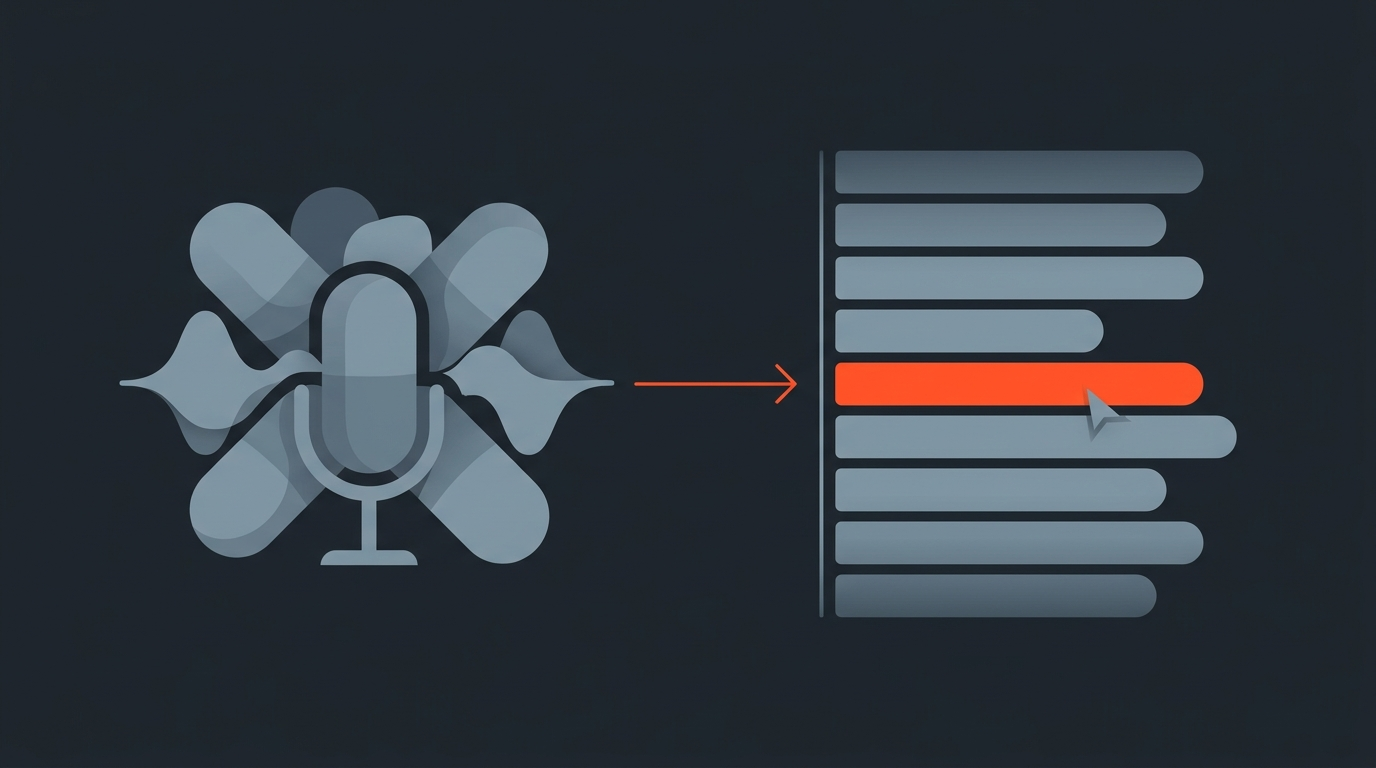
Riverside Alternative for Interview and Podcast Editing
Riverside is a recording tool. It captures clean, separate-track audio and video from remote guests over the web, and it does that job well. But recording is only step one of making a podcast or interview show. If you are searching for a Riverside alternative, the honest answer is that you probably do not need to replace Riverside at all: you need something that picks up where it stops, once the raw footage exists and someone has to turn it into a finished, exportable cut.
Riverside alternative
What "alternative" actually means here
Most people typing "Riverside alternative" into a search bar are not unhappy with Riverside's recording quality. They are stuck at the next stage: an hour of raw footage, a deadline, and no fast way to find the ten strongest minutes and hand a locked timeline to an editor. A true Riverside alternative, in the recording sense, is another separate-track recorder like Descript or SquadCast. What most searchers actually want is a faster route from that raw footage to a finished piece, which is a different tool entirely.
What Riverside does well
Riverside is built for capture, not story assembly
Riverside records each participant locally in the browser and uploads the files afterward, so a shaky connection does not wreck the take, a real problem with older screen-recorded or Zoom-captured interviews. Its Pro plan adds 4K video, 48kHz audio, a teleprompter, and unlimited transcription-based trimming inside its own editor. That editor is genuinely useful for a quick clip or a simple two-person conversation. It was not built to take a 90-minute recording, rank the moments worth keeping, cut every "um" and false start across the whole transcript, and produce a timeline your editor can drop straight into an NLE. That is a different job with a different tool shape.
For a closer look at how that recording and editing workflow plays out in practice, this walkthrough covers Riverside end to end, including its Magic Clips editor and podcast hosting.
Where the workflow breaks
The gap between "recorded" and "ready to cut"
Here is the part that surprises new podcasters most: post-production, not recording, is where most of the time actually goes. Industry benchmarks put a straightforward 60-minute episode at roughly one to two hours of editing per finished half hour, and a complex multi-guest interview can run three to five times the raw length once you count re-listening, marking usable sections, and rebuilding the order. Riverside gets you a clean recording fast. It does not solve the re-listening problem, because its editor works on the whole timeline, not a searchable, clickable transcript you can scan and select from top to bottom.
Real workflow
How shows like How I Built This actually operate
Guy Raz's shows, including How I Built This and TED Radio Hour, reach close to 19 million listeners a month and record remotely through Riverside. In Riverside's own published case study, Raz's team describes the pain of the old setup this way: "What was really frustrating before we started using Riverside, was that for the guest, there were several websites they needed to log into." That is a recording-side complaint, about getting a guest into a session cleanly, not an editing complaint. It illustrates exactly where Riverside's value sits: getting the capture right. What happens to that footage after the call ends is still a separate production step, handled by producers and editors with their own tools.
Pricing comparison
Riverside vs. six other recording and editing tools, July 2026
Pricing below is what each company publishes on its own site, verified this month. Recording tools are priced by hours or seats; ScriptCut is priced differently because it solves a different problem; it does not record anything.
| Tool | Category | Free tier | Entry plan | Top individual plan |
|---|---|---|---|---|
| Riverside | Remote recording + streaming | Yes, 2 hrs/mo | Pro: $24/mo annual ($29/mo) | Grow: $34/mo annual ($39/mo) |
| Descript | Recording + AI video editor | Yes, limited | Hobbyist: $16/mo annual ($24/mo) | Business: $50/mo annual ($65/mo) |
| SquadCast | Remote multitrack recording | Yes, 1 hr/mo | Hobbyist: $16/mo annual ($24/mo) | Business: $50/mo annual ($65/mo) |
| Zencastr | Recording + podcast hosting | Limited | Standard: $20/mo | Scale: $50/mo |
| StreamYard | Live streaming + recording | Yes, 2 hrs/mo | Core: $35.99/mo annual ($44.99/mo) | Advanced: $68.99/mo annual ($88.99/mo) |
| Ecamm Live | Mac live streaming + recording | 14-day trial only | Standard: $16/mo annual ($20/mo) | Pro: $40/mo |
| ScriptCut | Transcript-first pre-edit + export | Yes | Starter: $15/mo annual ($19/mo) | ProAI: $24/mo annual ($29/mo) |
Read that table as two separate shopping lists. The top six are all variations on "record a conversation well." ScriptCut is the only one on the list built for the step after: taking whatever footage you already have, from any of those tools, and turning it into a selected, cleaned-up, exportable story.
Complementary, not competing
Why the two categories work together instead of replacing each other
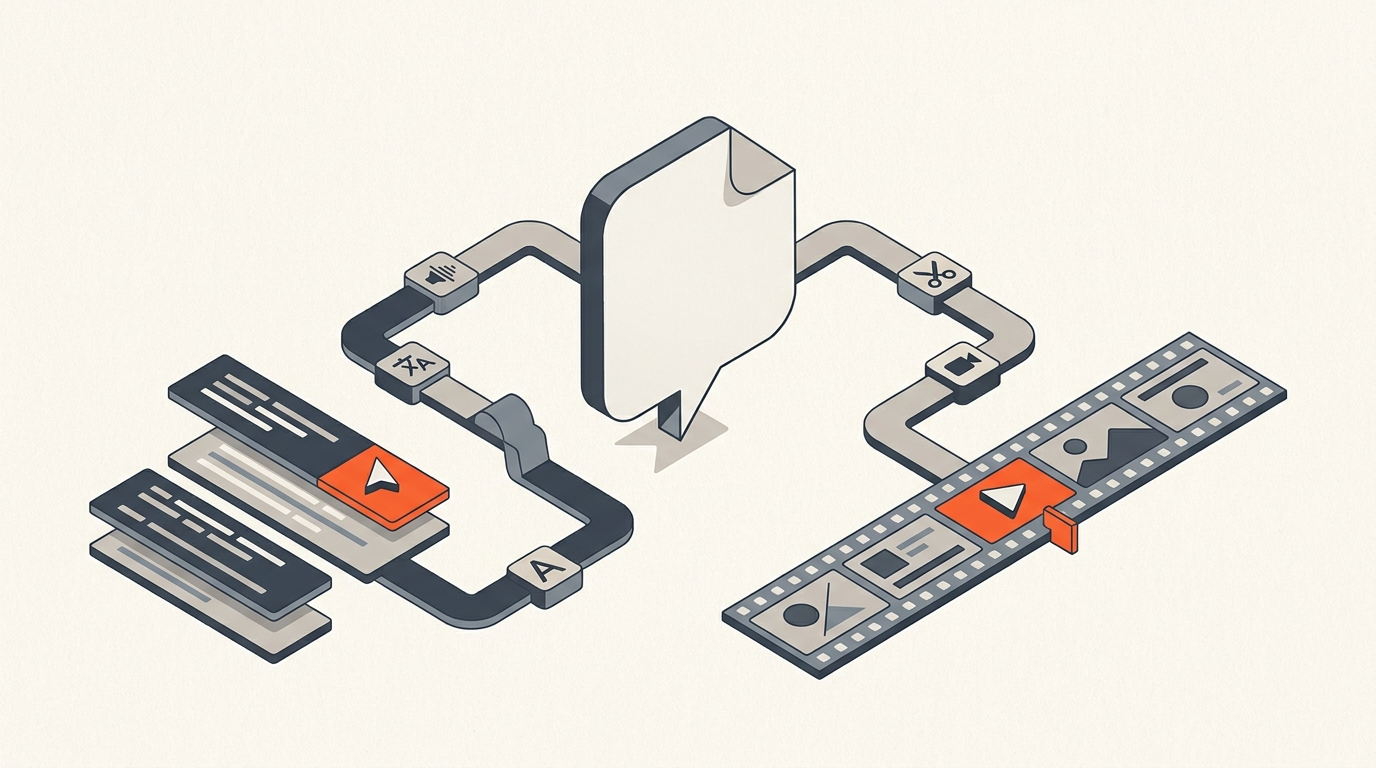
ScriptCut opens a video or audio file, transcribes it with word-level timecodes, and lets you read the conversation like a document instead of scrubbing a waveform. You mark the lines worth keeping, cut filler words with a click, drag the story into the right order, and send a client a review link before anything touches an editing timeline. When it is locked, ScriptCut exports a real XML or subtitle file straight into DaVinci Resolve, Premiere Pro, Final Cut, or Avid, with every cut already placed on the frame. That is a paper edit, done in text instead of scrubbing, and it is the natural next step after any recording tool, Riverside included. Someone already using Riverside to capture guests does not need to abandon it; they need a faster bridge from that footage to a locked cut, which is a workflow problem Riverside was never built to solve.
Decision guide
When to add a second tool, and when not to bother
If every episode is a short, single-take conversation with light trimming, Riverside's own editor is genuinely enough; adding a second tool would be overhead for no real gain. The moment an episode involves multiple guests, a long raw recording, a client who needs to approve moments before final cut, or an editor working in a different NLE than Riverside's browser editor supports, that is the point where a text-based editing step earns its cost. Documentary interviews, panel discussions, and long-form founder interviews (the exact territory of shows built like journalist-style, transcript-heavy production) are where this gap shows up fastest, because the raw footage is long and the usable material is scattered across it. The same logic applies to any recorder, not just Riverside: SquadCast, Zencastr, and StreamYard users hit the identical wall once an episode gets long or multi-guest, which is also why teams running a full season at once often look at a batch workflow across episodes rather than handling each one from scratch.
Sources
frequently asked questions
Riverside is strongest at recording remote interviews and podcasts in high quality, so the real gap isn't a recording alternative, it's a tool that turns that footage into a finished cut. ScriptCut fills that gap: it transcribes the recording, lets you select the strongest moments, cuts filler words, and exports a ready-to-edit timeline.
No, the two tools cover different stages of production. Riverside records clean, separate-track audio and video from remote guests, while ScriptCut takes that footage afterward, turns it into a searchable transcript, and exports the selected story to your editing software.
It works well for a quick trim or a short clip from a simple conversation. It isn't built to sort an hour-long transcript into priority order across multiple guests or export a fully assembled timeline to an NLE.
Riverside's Pro plan runs $24/month billed annually ($29/month), and ScriptCut's ProAI plan runs $24/month billed annually ($29/month) as of July 2026, so the cost is nearly identical. The difference is what each subscription buys: Riverside pays for recording capacity, ScriptCut pays for transcript-based editing and export.
If every episode is a short, single-take conversation that only needs light trimming, Riverside's own editor is enough on its own. Once episodes get longer, involve multiple guests, or need client approval before the final cut, a transcript-based tool starts to save real time.
Yes. ScriptCut works with any video or audio file, so footage recorded in Riverside, Descript, SquadCast, Zencastr, StreamYard, or Ecamm Live all import the same way and export to the same range of editing software.
You might also like...


Start selecting.

Pick the story in the transcript, export a finished rough cut.