
How to Edit a Podcast
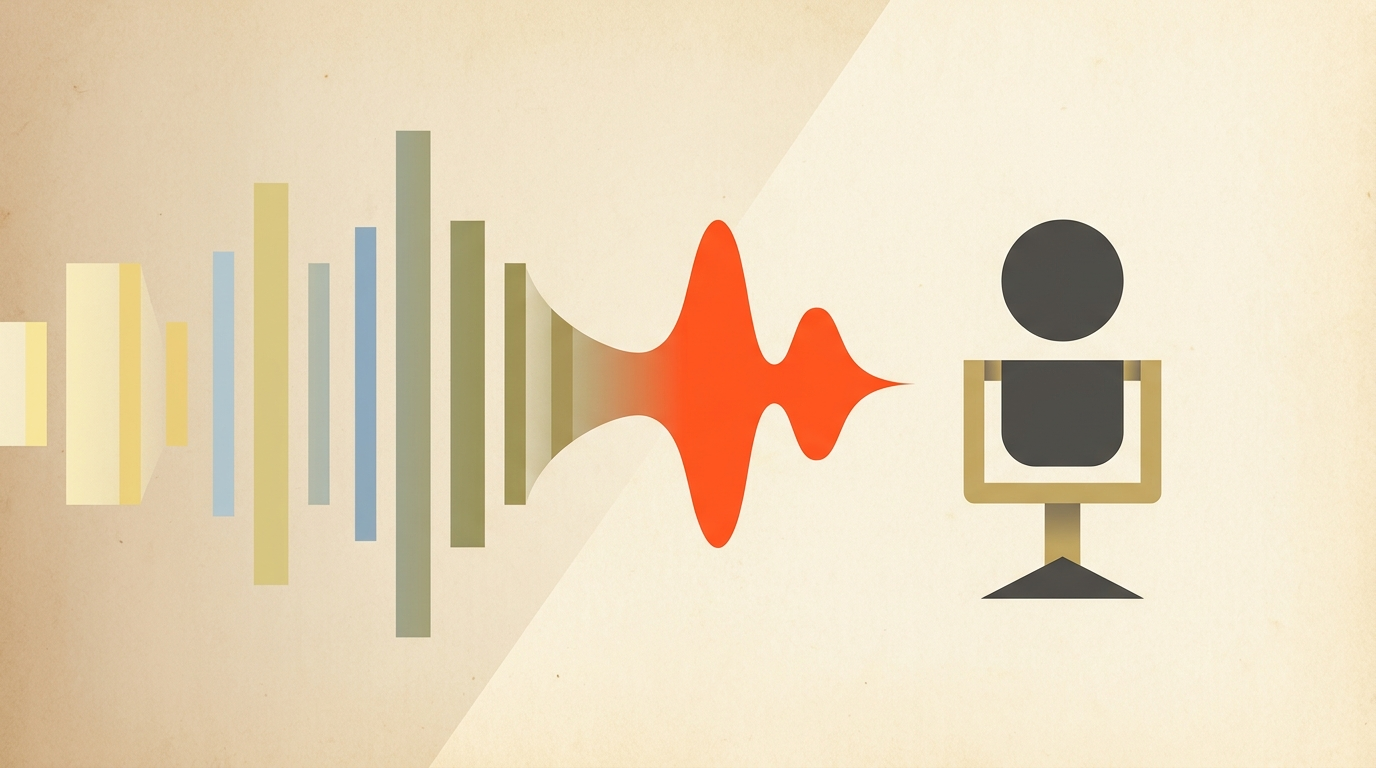
Most podcast editing time doesn't go into the edit. It goes into finding the parts worth keeping. A 90-minute conversation has maybe 45 minutes that actually needs to ship, and the fastest editors find that 45 minutes by reading, not by scrubbing a waveform.
Read First
Editing starts on the page, not the timeline
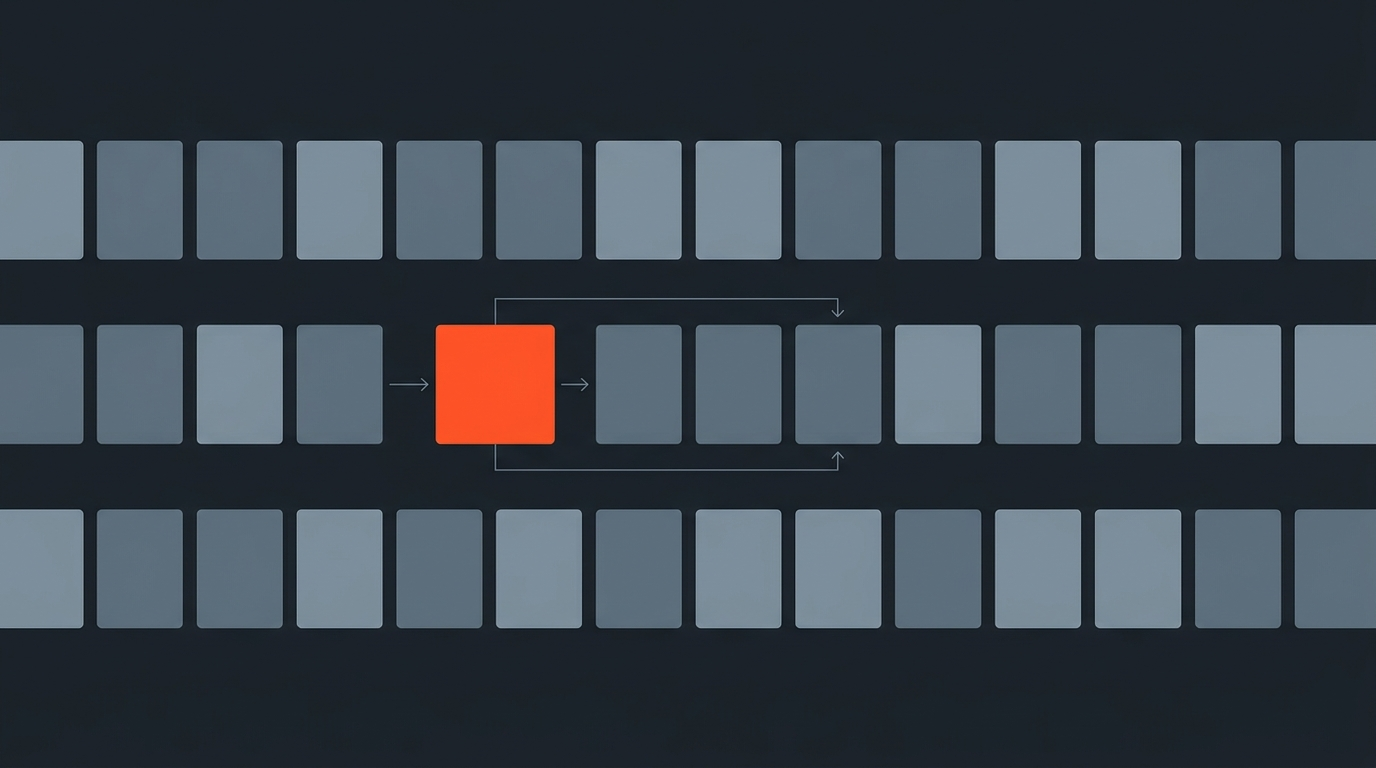
A transcript turns a podcast into something you can scan in five minutes instead of listening to in ninety. Reading lets you spot the tangent that goes nowhere, the story that gets told twice, and the fifteen-minute stretch in the middle where energy drops, all without touching an audio waveform. Once the transcript is marked up, the actual cutting is mechanical: pull the marked lines, drop the rest.
What To Cut
The five things worth cutting from almost every episode
Dead air and long pauses over two or three seconds rarely survive a listener's patience. Repeated stories, where a guest tells the same anecdote twice because the recording ran long, only need one pass. False starts and rephrased sentences clutter a transcript visibly, which is exactly why they're easy to spot there and hard to spot by ear. Tangents that don't reconnect to the episode's actual topic can usually go entirely. And filler words, "um," "you know," "like", get thinned rather than eliminated, since removing every single one makes a host sound scripted instead of human.
Real-World Discipline
How professional shows actually approach the cut
Ira Glass's This American Life is famous in the audio world for merciless story editing, restructuring interviews around the strongest narrative thread rather than the order they were recorded in, a practice Glass has discussed at length on the show's own production notes and public talks. That same instinct, cut for story momentum rather than chronological completeness, applies whether you're producing a narrative documentary series or a two-person interview show. The lesson isn't to restructure every conversational podcast, it's that professional editors treat the recording as raw material, not a finished product.
Audio Or Video
Where video podcasts add a second layer of decisions
An audio-only podcast is edited almost entirely on pacing and content. A video podcast adds camera cuts on top: when to hold on the speaker talking, when to cut to the listening reaction, when to switch angles on a laugh. If the show records multiple camera angles, plan the transcript-based cuts first, then layer camera switching in the NLE once the audio spine is locked, doing both at once means re-deciding the same cut twice.
Workflow That Scales
Editing episode 4 the same way you edited episode 40
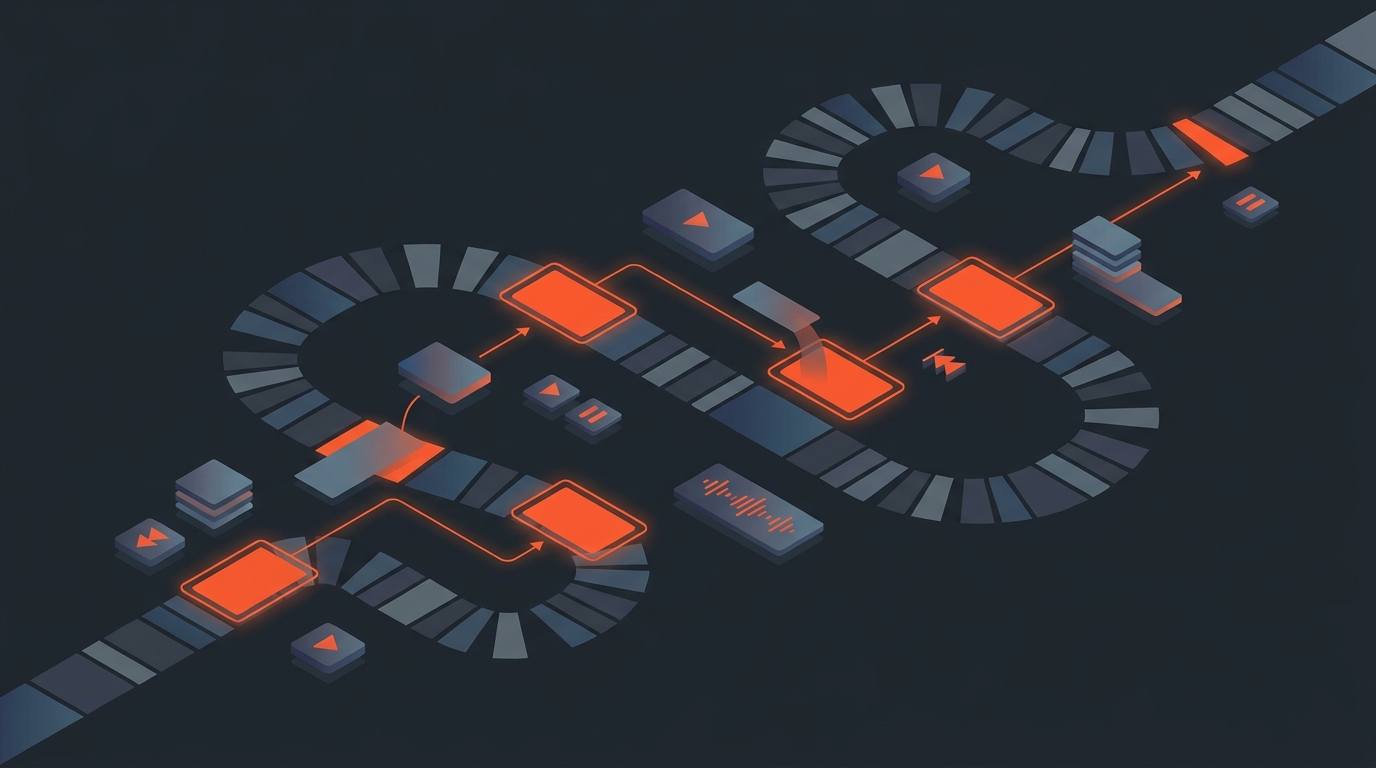
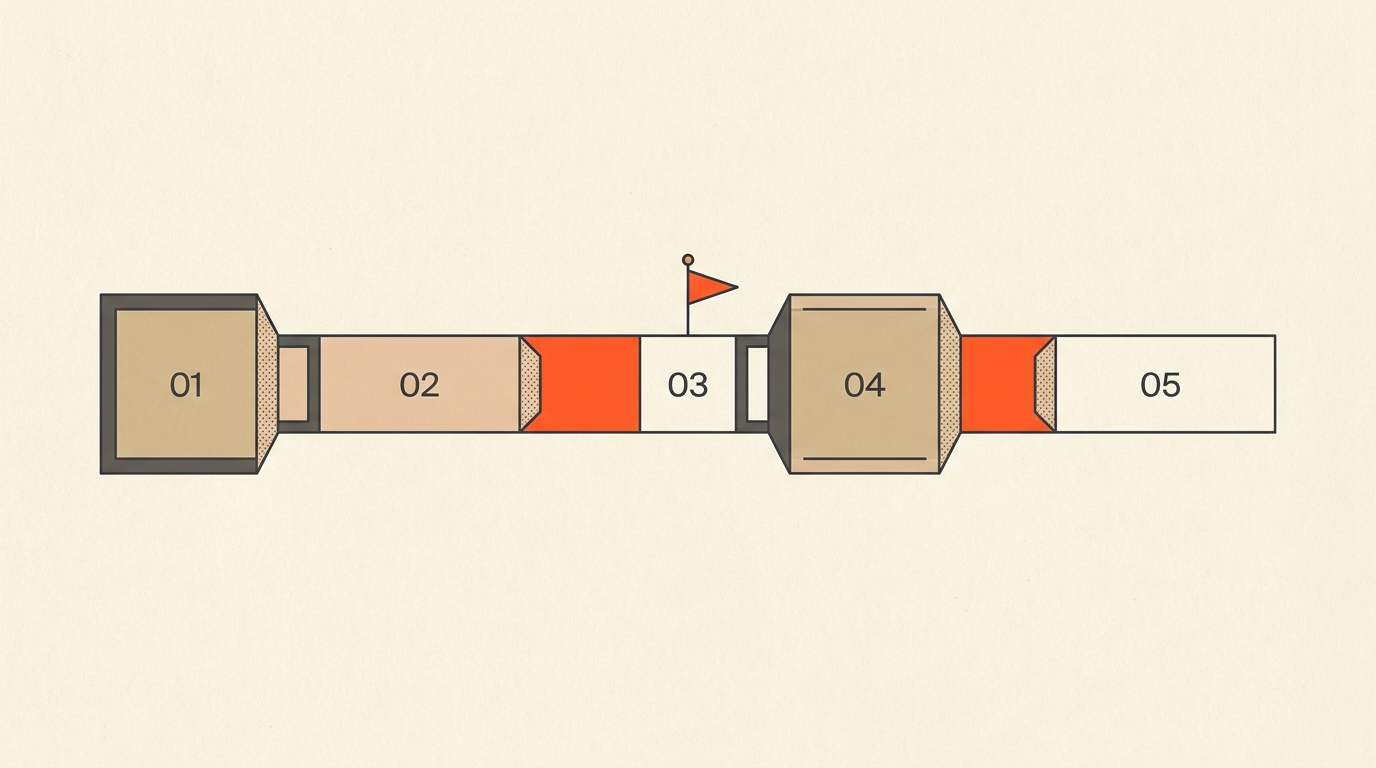
A workflow that works for one episode and collapses at episode twenty is not a workflow. The scalable version looks the same every week: transcribe on ingest, mark cuts in the transcript while the conversation is still fresh, export selects into whatever tool builds the final audio or video file, then run one listen-through pass for pacing before publishing. ScriptCut handles the middle two steps, letting a producer mark cuts directly on a word-level transcript and export the arranged selects as a real timeline or trimmed audio file, so the weekly turnaround doesn't depend on one person's memory of where the good parts were.
Common Mistakes
Where podcast edits go wrong
Over-editing is the most common: stripping every pause and filler word until a natural conversation sounds like a hostage read. Under-editing is the opposite failure, publishing a 90-minute raw file because trimming felt like too much work, and losing listeners in the first ten minutes as a result. The third mistake is editing live while recording notes are still incomplete, which means re-listening to the same section three times instead of once.
Where This Fits
The pre-edit step most podcast workflows skip
Most podcast production guides jump straight from "record" to "edit in your DAW," skipping the step where someone actually decides what stays. That decision, made on the page instead of the waveform, is what separates a show that ships on time from one where editing day always runs long.
Related: How to Batch Edit a Full Podcast Season, What Is Text-Based Editing?, What Is a Paper Edit?, and Transcript Editing for Journalists
Sources
frequently asked questions
Read the transcript first and mark what to cut there before touching audio. Deciding on the page takes minutes; deciding by ear on a 90-minute file takes hours.
Long pauses, repeated stories, false starts, tangents that don't connect to the topic, and a thinned (not eliminated) pass on filler words like "um" and "you know."
Yes. Stripping every pause and filler word makes a natural conversation sound scripted and stiff. Some imperfection keeps a host sounding human.
Video adds a second decision layer on top of content cuts: when to hold on the speaker, when to cut to a reaction, and when to switch camera angles. Lock the audio spine first, then layer camera cuts.
ScriptCut lets a producer mark cuts directly on a word-level transcript and export the arranged selects as a real timeline or trimmed audio file, so the story decisions happen on the page before anyone opens an audio or video editor.
Not always. Story-driven shows often restructure around the strongest narrative thread rather than strict chronology, a practice long associated with narrative audio shows like This American Life.
Transcribe on ingest, mark cuts in the transcript while the conversation is fresh, export the selects into your audio or video tool, then do one listen-through pass for pacing before publishing.
You might also like...

Start selecting.

Pick the story in the transcript, export a finished rough cut.