
CapCut Alternative for Professional Editors
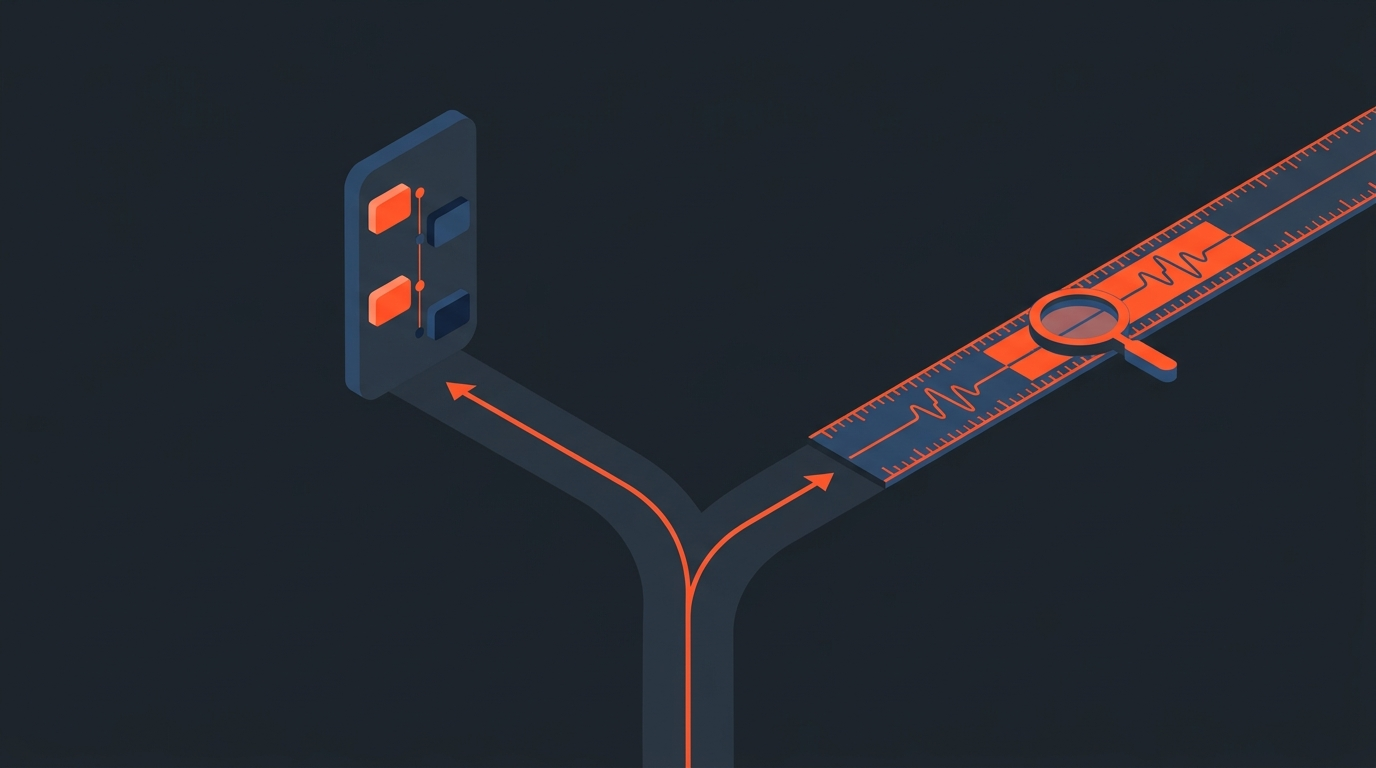
The honest answer: CapCut isn't a downgrade from a professional workflow, it's a different tool built for a different job. It was designed for fast, vertical, social-first cutting, and reviewers rate it as one of the strongest free desktop editors available. Ask it to carry a 45-minute documentary interview through color, mixing, and a client review cycle, and the cracks show fast.
Reality check
What CapCut is actually optimized for
CapCut ships auto-captions, a huge effects and template library, and a genuinely gentle learning curve, which is why so many social teams live in it. CapCut's own product positioning leans hard into short-form: templates, trending audio, one-tap b-roll. None of that is a knock on the tool. It's just built around clips measured in seconds, not sessions that run for hours.
To see that editing style in practice, this tutorial walks through cutting a full project in CapCut from import to export.
Professional interview and documentary work asks for something else: frame-accurate trims across dozens of takes, a project that survives a handoff to a colorist, and an export a mixing engineer can actually open. That's a workflow problem, not a features problem, and no amount of templates fixes it.
Where it breaks
What a 45-minute interview does to a consumer editor
Three things tend to go wrong once a project stops being a 30-second clip:
- No real timeline handoff. CapCut projects don't export to an XML or EDL a colorist or mixer can open in DaVinci Resolve or Pro Tools. If the finish happens somewhere else, the CapCut cut is a reference video, not a working file.
- Finding the moment is manual. There's no way to search spoken words across two hours of interview and jump straight to the sentence. You're scrubbing.
- Client review means sending a video file. There's no link where a producer can click a line of dialogue and leave a timestamped note tied to the transcript.
None of that stops someone from finishing a documentary in CapCut. It means every one of those steps gets done by hand, which is exactly where the hours go.
The lineup
Six tools editors actually reach for instead
This isn't a "best editor" ranking, it's what professionals in interview and documentary work actually open once a project outgrows a phone-first editor. Prices below are per-seat, verified July 2026, and change often enough that it's worth checking each vendor directly before you commit.
| Tool | Best for | Platform | Starting price (July 2026) |
|---|---|---|---|
| Adobe Premiere Pro | Full offline/online NLE, industry-standard for TV and doc post | Win / Mac | $22.99/mo (annual plan, paid monthly) |
| DaVinci Resolve Studio | Color-first finishing, editing, and audio in one app | Win / Mac / Linux | $295 one-time |
| Final Cut Pro | Mac-native cutting with a fast magnetic timeline | Mac only | $299.99 one-time (or bundled in Apple's $12.99/mo Creator Studio) |
| Avid Media Composer | Broadcast and network post houses, ScriptSync dialogue tools | Win / Mac | $79.99/mo (Ultimate subscription) |
| Descript | Podcast-to-video and transcript-based rough cutting | Win / Mac / Web | $16/mo (Hobbyist, annual) |
| CapCut | Fast vertical social edits, auto-captions, templates | Win / Mac / Mobile / Web | Free, or $9.99-$19.99/mo for Standard/Pro (as of September 2026) |
Every one of those, except Descript, is a full NLE: you cut, mix, and color inside it. Descript and ScriptCut sit a step earlier in the pipeline, working from the transcript rather than the timeline.
Honest fit
Where ScriptCut actually sits in this list
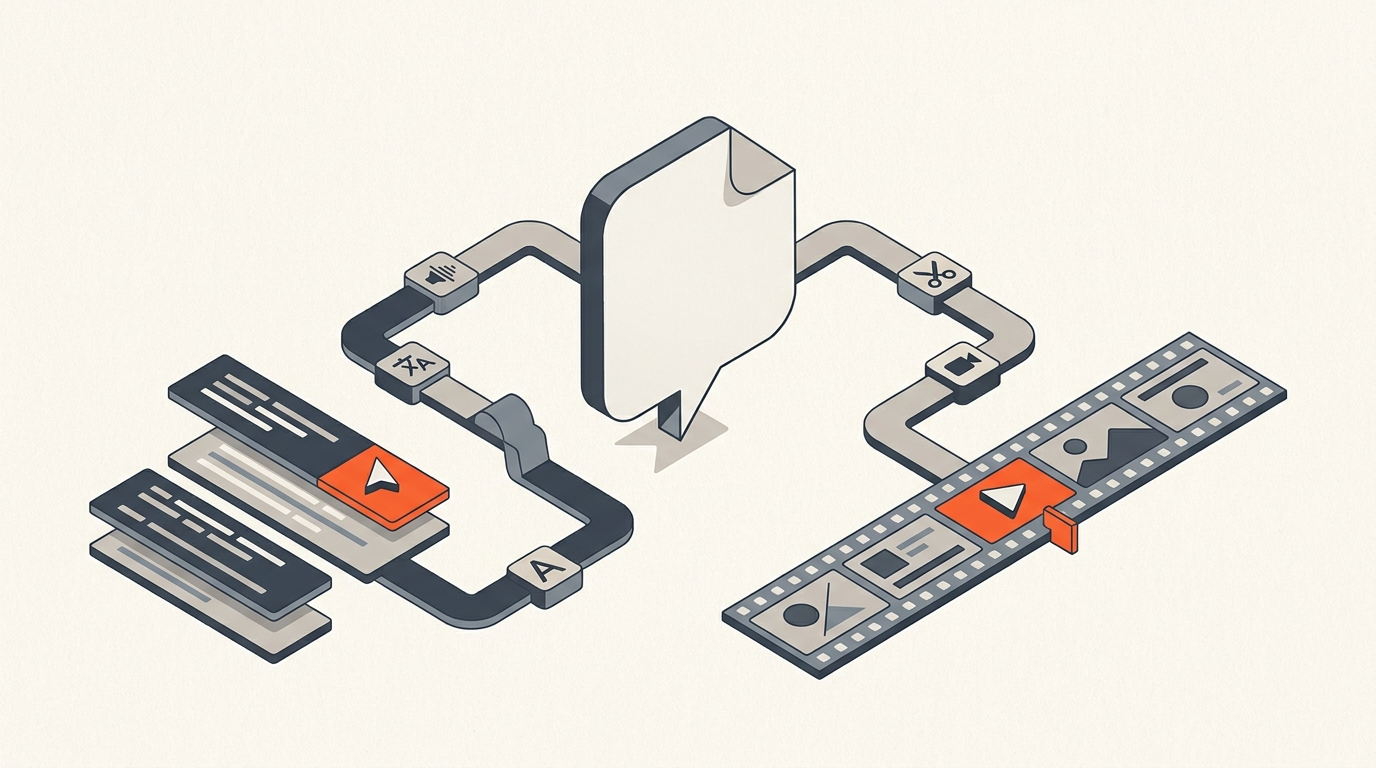
ScriptCut is not a CapCut replacement in the direct sense, and it isn't trying to be. It doesn't render effects, grade color, or mix audio. What it does is sit in front of whichever NLE you already finish in: you read the transcript, select the lines that make the cut, remove filler words, and get client approval through a share link, before any of that touches a timeline. That's the same idea behind text-based editing generally: the transcript is the interface, not the timeline.
Because ScriptCut logs word-level timecode, every sentence you select is a precise in and out point. When the selects are locked, it exports a real XML, subtitle file, or split audio stems that open directly in Premiere Pro, DaVinci Resolve, Final Cut Pro, or Avid. That's the piece CapCut has no answer for: a paper edit that becomes a working timeline instead of a video you re-cut from scratch downstream.
If your whole workflow lives inside CapCut and stays there, this doesn't apply to you. If you're logging hours of interview footage before it ever reaches Premiere or Resolve, that's the gap ScriptCut is built to close.
Real cost
What each option costs you beyond the sticker price
The subscription price is the smallest number in this decision. A $295 one-time DaVinci Resolve Studio license looks expensive next to free CapCut, until you count the hours spent manually re-cutting a documentary interview because the export didn't carry over. Resolve Studio has held that same $295 price since 2021, no subscription required, which is part of why it's become the default for colorists working across NLEs.
The realistic cost comparison isn't CapCut versus Premiere Pro. It's the hours an editor loses re-doing work a proper handoff would have preserved, against the cost of a tool built for that handoff in the first place.
Making the switch
How to move a project without starting from zero
- Keep your raw footage and audio organized by scene or interview subject before you touch an editor.
- Do the selects pass on the transcript, not the timeline. It's faster to read than to scrub, and every editor working from a written record of a Netflix documentary interview will tell you the same thing.
- Export a real XML once selects are locked, and bring that into Premiere Pro, Resolve, Final Cut, or Avid.
- Save CapCut for what it's genuinely fast at: turning that finished cut, or a standalone clip, into a vertical short with captions and a template.
Related reading: what a paper edit is, how timecode actually works, bringing a transcript workflow into Premiere Pro, and cutting a multicam interview.
Sources
frequently asked questions
CapCut handles fast, template-driven social cuts very well, but it doesn't export a real timeline (XML or EDL) for a colorist or mixer, and there's no way to search spoken words across long footage. For a finished documentary or interview piece heading to a pro NLE, it's a bottleneck, not a dealbreaker for shorter social content.
DaVinci Resolve Studio is the closest single app: it edits, colors, and mixes audio in one program for a $295 one-time license, no subscription. Premiere Pro and Final Cut Pro are the other two most common picks depending on platform and existing software ownership.
No. ScriptCut doesn't render effects, color, or mix audio. It handles the transcript-based selects and cleanup pass before your footage reaches an NLE, then exports a real timeline. CapCut and ScriptCut solve different parts of the process.
DaVinci Resolve Studio is a $295 one-time purchase as of July 2026, with no recurring subscription required. A free version exists with reduced features.
Not directly as a fully editable timeline. CapCut isn't built to export an EDL or XML that a pro NLE can read cut-for-cut, so a project built entirely inside CapCut generally needs to be re-cut if it's moving to a different finishing app.
You might also like...
Start selecting.

Pick the story in the transcript, export a finished rough cut.