
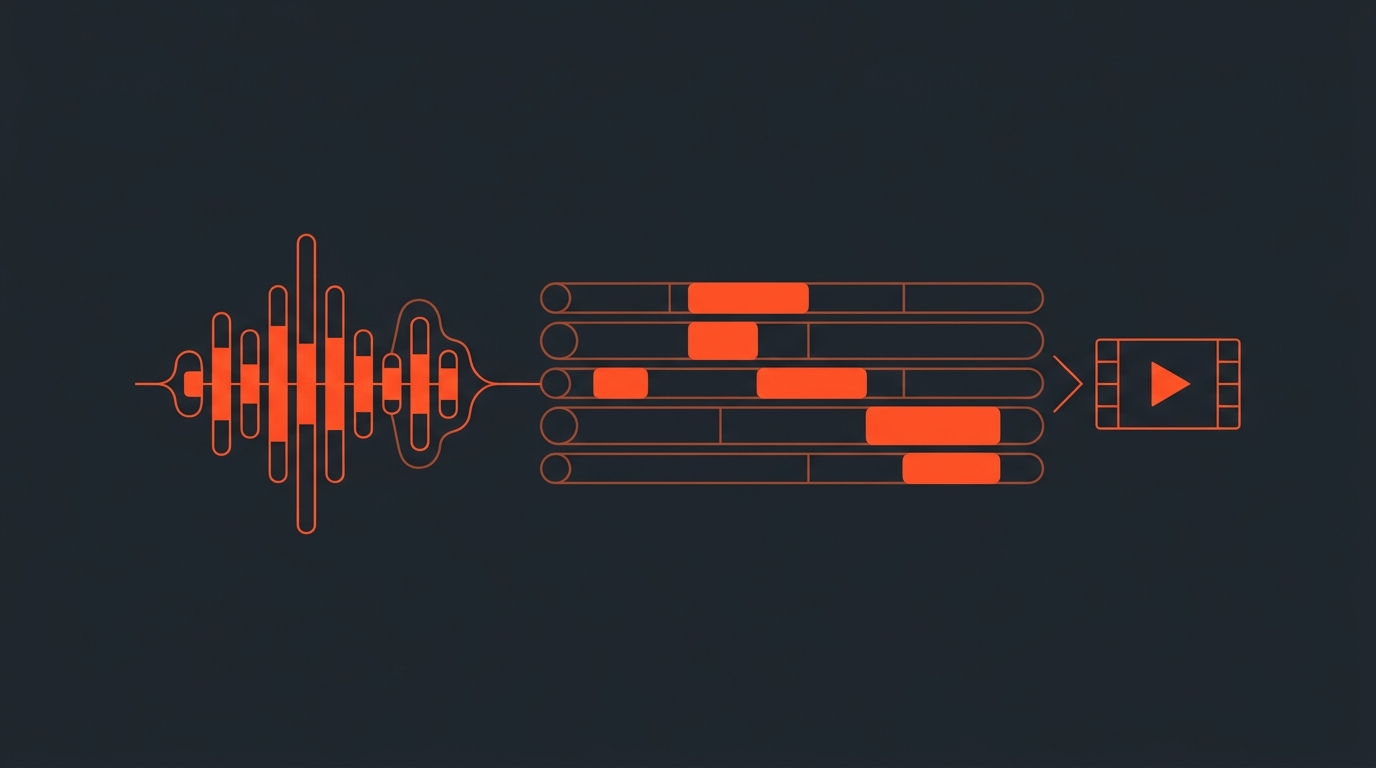
Best Video Software for Podcasters in 2026
There is no single best video tool for podcasters. Podcasting is four separate jobs stitched together: record clean tracks, decide what stays, cut the episode, and pull short clips for social. Most of the tools on this list are built for one of those jobs and stretched to cover the rest. Below is what each one actually does well, what it costs as of July 2026, and where it breaks down.
Workflow
Podcasting is four jobs, not one
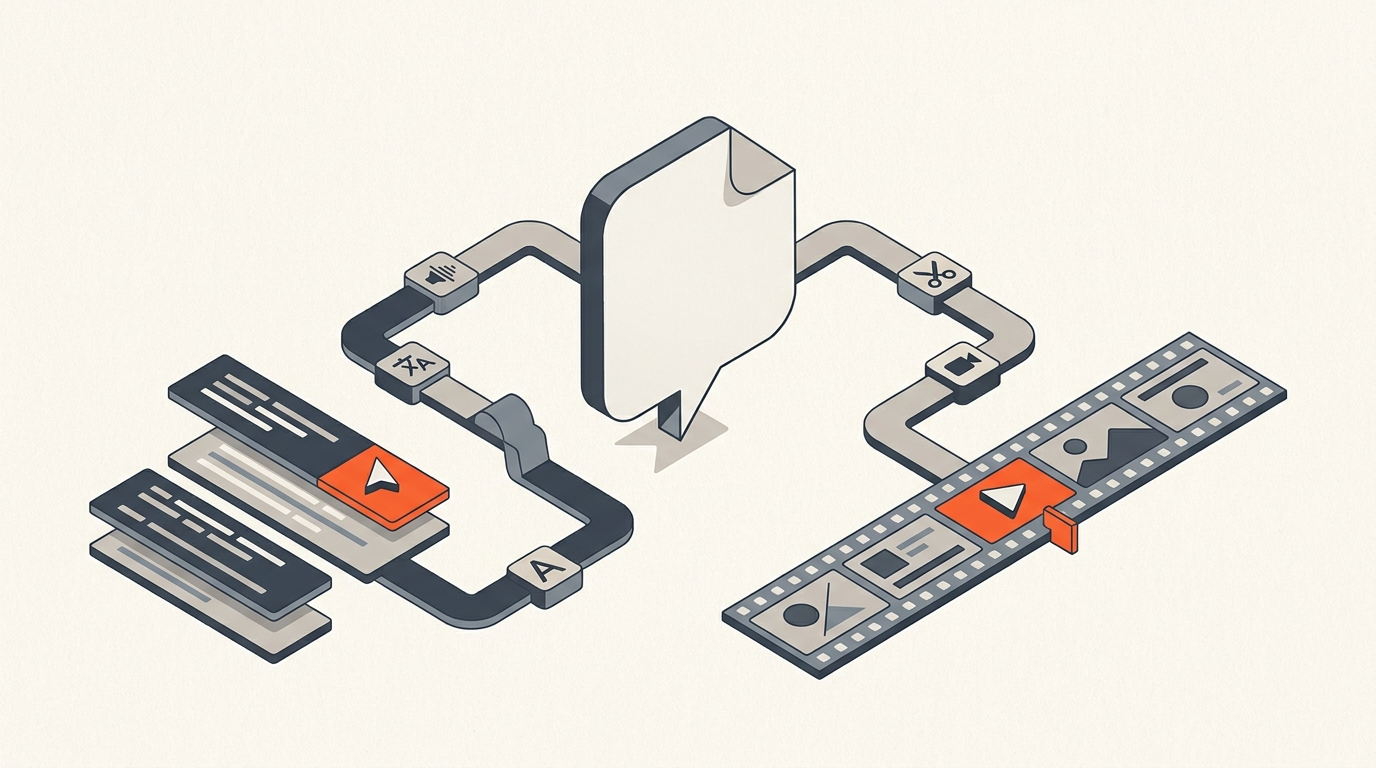
Record. Plan. Cut. Clip. Buying one app and expecting it to do all four is where most podcast workflows stall. A recording tool like Riverside captures clean local tracks but is not built to plan a two-hour interview down to the 20 minutes worth keeping. An NLE like Premiere Pro or DaVinci Resolve can cut anything but has no idea which sentences are the good ones until a human tells it, sentence by sentence, on a timeline. That gap between "recorded" and "ready to cut" is where a transcript-first planning step earns its keep, and it is also where most published buyer's guides gloss over the work.
Most comparison articles collapse this into a single "best all-in-one tool" pick, then quietly admit in the fine print that the pick does not export a real timeline, or that its transcript editor chokes past 90 minutes. A weekly interview show, a documentary-style narrative podcast, and a daily news roundup do not share an edit workflow just because they all start as an audio file. The show format decides which of the four jobs needs the most attention, and the software choice should follow that, not the other way around.
Real result
Headspace cut editing time 80%+ by fixing this, not by switching editors
When Headspace moved its show Radio Headspace from audio-only to video, the fix was not a new NLE. According to Riverside's published case study, the team recorded remotely to avoid studio costs and restructured the pipeline around the recording, cutting editing time by more than 80% while growing RSS downloads 10 to 15%. The lesson generalizes past Headspace: the biggest time cost in podcast video is not the export, it is deciding what to keep, and that decision happens before anyone opens an NLE.
Comparison
What each tool actually costs, July 2026
Pricing below is current as of July 2026, checked directly against each vendor. Annual-billing rates are shown where they are the cheaper, standard option.
| Tool | Best for | Price (as of July 2026) | What it does not do |
|---|---|---|---|
| Riverside | Remote recording, local 4K tracks | Free tier; Standard ~$19/mo annual; Pro ~$29/mo annual | Not built for planning a long edit or exporting to a pro NLE timeline |
| Descript | Text-based rough cuts, solo creators | Free; Hobbyist $16/mo annual; Creator $24/mo annual; Business $50/mo annual | Gets slow on long multi-track sessions; not a color/audio finishing tool |
| ScriptCut | Turning a raw transcript into a decided, exportable edit | Free; Starter $15/mo annual ($19 monthly); ProAI $24/mo annual ($29 monthly) | Not an NLE and not a recorder. It hands a finished selects list and a real XML/EDL timeline to Resolve, Premiere, FCP, or Avid. |
| DaVinci Resolve Studio | Full-fidelity color, audio, and finishing | Free tier; Studio $295 one-time (no subscription) | No transcript-based planning; a full NLE learning curve for a podcast cut |
| Adobe Premiere Pro | Teams already inside the Adobe ecosystem | $22.99/mo annual (paid monthly), $34.49/mo month-to-month | Same gap as Resolve: powerful cutting, no help deciding what to cut |
| Opus Clip | Turning a long episode into social clips | Free tier; Starter $15/mo; Pro $29/mo | Not for the full episode edit, only downstream clip generation |
| CapCut Pro | Fast, template-driven vertical cuts | Standard ~$10/mo; Pro $19.99/mo ($179.99/yr) | Thin transcript tools; built for short-form, not a 90-minute interview |
Where ScriptCut sits honestly: it is not a recorder and not an NLE. It is the planning step between the two, the place where a raw transcript becomes a decided cut with word-level timecodes, so the export that lands in Resolve or Premiere is already the right 20 minutes instead of a two-hour clip waiting to be trimmed.
Text editing
Why cutting a transcript beats scrubbing a timeline
Jason Snell put it plainly writing about his own workflow shift: "Delete a sentence in the Descript text editor, and that sentence is edited out of the audio." That is the core idea behind text-based editing, and it is why it spread from Descript into most modern podcast tools. Deleting "um," a false start, or a whole rambling tangent by highlighting text is faster than finding the same moment by ear on a waveform. The catch: text-based editing tools built for solo trimming were not designed for a second, separate decision, which segments actually make the final story arc. That is a different task from removing filler words, and treating them as the same step is where a lot of "AI-edited" episodes end up flat.
Here is what that workflow actually looks like end to end, cutting a video podcast episode down inside Descript's transcript editor:
Export
The part most software skips: getting the edit into a real NLE
A locked cut is not the finish line if a colorist, audio mixer, or a second editor needs to keep working in Resolve, Premiere, Final Cut, or Avid. Several of the tools above export a rendered MP4 and stop there, which is fine for a solo creator but breaks down the moment a second person joins the process. A team split across a recorder, a planning pass, and a finishing NLE needs the middle step to hand off a real project file, not a video everyone has to re-watch to find the cuts again.
The practical difference shows up the first time a guest's team asks for a re-edit after picture lock. With a timeline handoff, the editor reopens the project, moves the one clip, and re-renders. Without one, someone scrubs the full recording by ear looking for the moment again. Word-level timecodes matter here because they mean the handoff file (XML or EDL) reflects the exact selects made in the transcript, not an approximation, so nothing needs to be re-cut by hand on arrival. This is the same handoff problem offline editing solved for scripted TV decades ago, applied to unscripted podcast footage, and it is why a transcript-based Premiere Pro workflow can save a full pass of manual re-cutting.
Client review
Getting a producer or client to sign off before the cut is final
Podcast networks and agencies rarely let one editor make the final call alone. A producer, a guest's team, or a client usually reviews the plan before it goes to picture lock, and most of the tools above have no built-in way to do that beyond sending a shared document link. A share-link review step, where a stakeholder marks moments as approved or cut directly against the transcript, removes a full round of "can you send me the timestamps" email threads. It is a small workflow gap, but it is the one that turns a one-person tool into something a small team can actually use together.
Choosing a stack
What to actually pair together
For a solo interview podcast: Riverside for recording, then straight into an NLE if the episode is short. For a longer interview or documentary-style show: Riverside or any clean recorder, a transcript-first planning pass (this is the step a paper edit traditionally covered on paper), then Resolve or Premiere for the finish. For a show that also needs daily social clips: add Opus Clip or CapCut downstream of the full edit, not instead of it. For a network running a full season at once, the planning step matters even more: see how to batch edit a podcast season. Shows that also publish full episodes to YouTube face a related but different set of decisions, covered in video editing for YouTubers. None of these stacks need five subscriptions. They need the right tool at each of the four jobs, in order.
Sources
frequently asked questions
There isn't one. Podcast video is four separate jobs (record, plan, cut, clip), and no single app does all four well. Pair a recorder like Riverside with a transcript-first planning step and an NLE like Resolve or Premiere for the finish.
Riverside for the recording itself: it captures separate local 4K/WAV tracks per guest even over a shaky connection, which Descript's browser recorder does not match. Descript is stronger once you're already inside a rough edit and want to trim by deleting text.
A transcript-based planning tool built for selecting moments, not just trimming filler. ScriptCut is built for exactly this: turning a raw transcript into a decided list of selects with word-level timecodes before anyone opens an NLE.
For a solo creator doing a straightforward cut, yes. For long multi-track interviews or a team that needs to hand the locked cut to a colorist or mixer in Resolve or Premiere, Descript's export options and performance on long sessions become the limiting factor.
It turns an already-finished long episode into short vertical clips for TikTok, Reels, and Shorts. It's a downstream step after the full episode is cut, not a replacement for the episode edit itself.
A common setup runs Riverside Standard (about $19/mo annual) for recording plus a planning and finishing pass, roughly $40-55/mo total depending on plan tier, well under paying for one bloated all-in-one subscription per seat.
You might also like...
Start selecting.

Pick the story in the transcript, export a finished rough cut.