

ScriptCut vs Opus Clip: AI Clipping Compared
Opus Clip and ScriptCut solve different problems. Opus Clip takes a long video and hands you finished, captioned, vertical clips it picked for you, ready to post. ScriptCut reads a transcript alongside you, lets you make the selection and ordering calls yourself, and exports an editable timeline your editor finishes in DaVinci Resolve, Premiere Pro, Final Cut Pro, or Avid. If you want volume and speed, Opus wins. If you want editorial control and a professional finish, ScriptCut wins. Most teams that publish a lot and also care about quality end up using tools from both categories.
The category
AI clipping tools aren't all doing the same job
"AI video clipping" now covers two genuinely different workflows wearing similar marketing. One family of tools, Opus Clip, Vidyo.ai, Klap, Munch, fully automates: upload long-form video, get finished short clips with burned-in captions and a virality score, post directly to TikTok, Reels, and Shorts. The other family, ScriptCut, Descript, treats the transcript as the editing surface: you or your team select and arrange moments yourselves, with AI assisting rather than deciding, and the output is built to hand off to a real edit rather than to publish as-is.
Neither approach is wrong. They're built for different jobs, and the pricing tables below reflect that: full-auto tools price by source-minute volume, editorial tools price by seat or plan.
Compared, side by side
Eight tools, real prices, as of August 2026
| Tool | Approach | Starting price (as of August 2026) | Best for |
|---|---|---|---|
| Opus Clip | Full-auto clipping | Free; Starter $15/mo; Pro $29/mo | High-volume social posting |
| Klap | Full-auto clipping | From ~$29/mo (Basic); Pro $79/mo | Creators posting daily shorts |
| Vidyo.ai | Full-auto clipping | Free; paid plans from ~$29/mo | Podcast-to-clips at volume |
| Munch Studio | Full-auto clipping + strategy | Essential ~$48/mo; Premium ~$75/mo | Agencies managing many brand accounts |
| Descript | Text-based editing (single video) | Free; Hobbyist $16/mo (annual) | Podcasters editing and clipping solo |
| Riverside | Recording + AI clips | Free; Standard from $19/mo (annual) | Remote interview recording plus clipping |
| ScriptCut | Transcript-first pre-edit + NLE export | Free; Starter $19/mo ($15/mo annual); ProAI $29/mo ($24/mo annual) | Editors and teams finishing in a real NLE |
Pricing shifts often; confirm current numbers on each vendor's site before you budget against them. What doesn't shift as often is the underlying model: credit- or minute-based tools get more expensive as your source volume grows, while seat-based tools like ScriptCut and Descript stay flat regardless of how many hours of footage you run through them in a month.
For a feel of what the automated side of this comparison actually produces, here is Opus Clip's own workflow end to end:
What each side actually does
Automatic picks versus editorial control
Opus Clip ingests a long video, uses AI to find moments it scores as high-potential, cuts them to short-form aspect ratios, burns in styled captions, and can post directly to connected accounts. The entire decision, which ten seconds matter, lives inside the model. That's the appeal: a one-hour podcast becomes a dozen posted clips with almost no manual work.
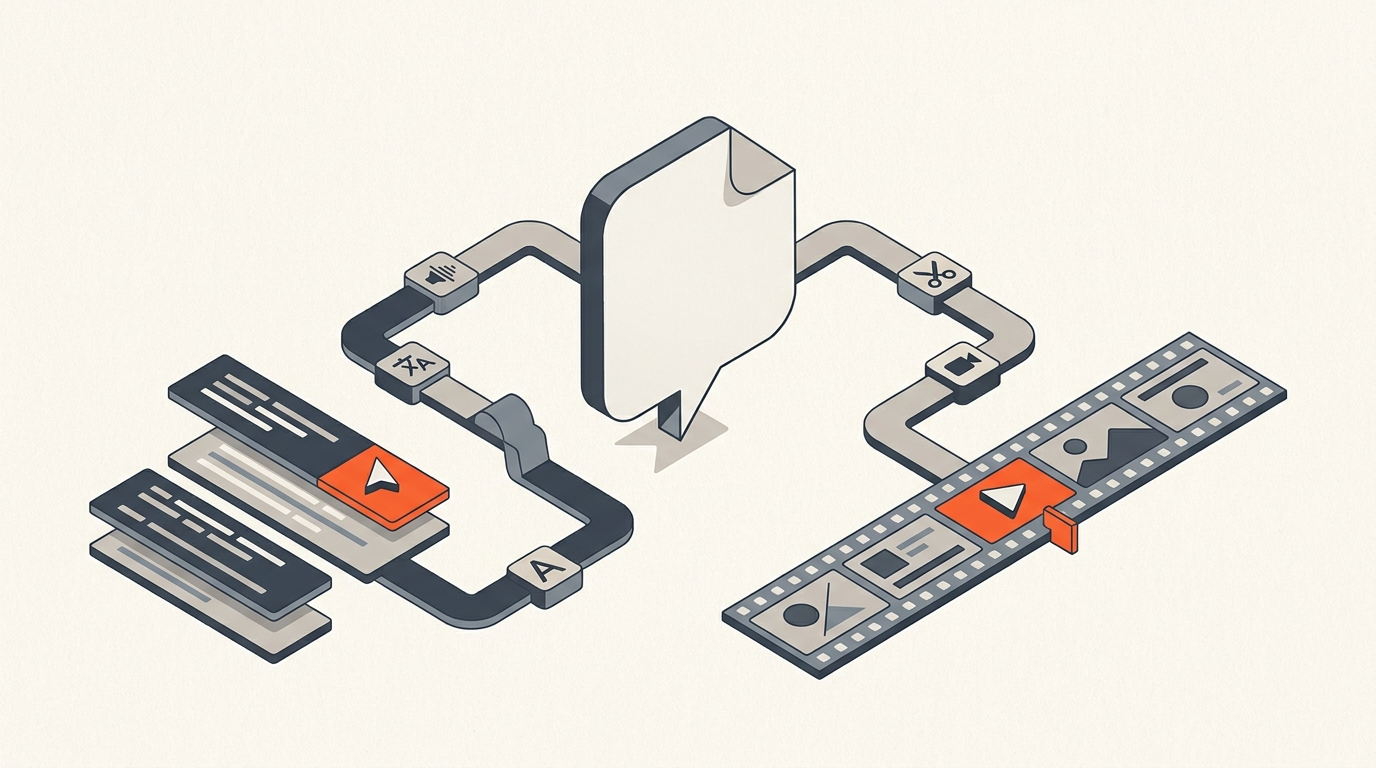
ScriptCut works from the other direction. AI surfaces candidate moments and can suggest clips, but the transcript is the actual workspace: you read it, mark what you want kept, adjust in and out points against word-level timecode, and lock a sequence. What comes out isn't a finished MP4, it's an editable export, XML, subtitles, or audio, that opens in a real NLE for finishing: color, sound design, graphics, brand consistency, whatever the project actually needs. The tradeoff is speed for control. You do more of the deciding, and you get more say in the result.
Where Opus and its category genuinely win
Be honest about the other side's strengths
- Speed to publish. Full-auto tools get you from raw footage to a posted clip faster than any manual workflow, full stop.
- Volume. If you're running a channel that posts multiple clips a day from one source, automation carries weight a person can't match hour for hour.
- Virality scoring. Ranking clips by predicted engagement is a genuinely useful signal when you're triaging dozens of candidates and don't have time to watch them all.
If your workflow is "post as much as possible, as fast as possible, mostly unattended," a tool built around that goal will outperform a tool built around editorial control. That's a fair trade for a lot of social-first channels.
Where the automation breaks down
What full-auto clipping tends to cost you
Automated selection makes mistakes a human editor wouldn't: it clips the wrong ten seconds, cuts off a punchline, or picks a line out of context that changes its meaning. Burned-in captions can't be restyled to match brand guidelines without starting over. And because these tools price by source-minute, cost scales directly with how much raw footage you process, which turns expensive fast for anyone regularly working with long recordings, multi-hour podcasts, panel discussions, hour-plus interviews.
There's also a data question worth asking directly: uploading full-length client interviews or unreleased footage to a third-party auto-posting service is a different risk profile than editing inside your own transcript workspace and only exporting what you've explicitly approved.
A worked comparison
Same 60-minute podcast, two different outputs
Run a 60-minute two-guest podcast through Opus Clip and you'll get a batch of ranked short clips within minutes, captioned and sized for vertical platforms, ready to review and post. Run the same episode through ScriptCut and you get a timecoded transcript to read, a place to mark the strongest exchanges and one-liners, and once you've locked your selects, an export that lands in your NLE with the cuts already made, ready for a sound pass, lower thirds, and brand-consistent captions before it goes out. One path optimizes for how fast you can post. The other optimizes for how much say you have in what gets posted and how it looks when it does.
The honest recommendation
Pick based on what you're actually optimizing for
Choose Opus Clip, or a similar full-auto tool, if your priority is volume: many clips, posted fast, with minimal manual review. Choose ScriptCut if your priority is control: precise selects, an ordered story, and a real NLE finish with your own captions, color, and sound. Plenty of production teams run both, letting an auto-clipper handle the high-volume social feed while ScriptCut handles anything that needs to be edited properly, client work, brand campaigns, longer-form pieces, or anything landing on a screen bigger than a phone.
Sources
Related reading
frequently asked questions
Opus Clip for volume and speed, since it fully automates selection, captions, and posting. ScriptCut for editorial control when the clip needs to match a brand or finish in a real NLE.
Free for a watermarked tier, Starter at $15 a month, and Pro at $29 a month, priced by source-minute credits.
Free, Starter at $19 a month ($15 a month billed annually), and ProAI at $29 a month ($24 a month billed annually), priced by plan rather than per source minute.
No. ScriptCut exports editable timelines, XML, subtitles, and audio, that open directly in DaVinci Resolve, Premiere Pro, Final Cut Pro, or Avid for finishing.
Opus Clip's AI selects, cuts, and scores clips on its own. ScriptCut's AI can suggest moments, but you make the final selection and ordering calls yourself.
Yes. Many teams use a full-auto tool for high-volume social posting and ScriptCut for anything that needs a proper NLE finish, client work, brand campaigns, or longer pieces.
You might also like...


Start selecting.

Pick the story in the transcript, export a finished rough cut.