
How to Repurpose Content as a Creator
The core shift
Repurposing Starts With One Long-Form Recording, Not a Content Calendar
Most repurposing advice assumes a team: an editor cutting clips, a copywriter drafting the newsletter, a social manager building the carousel. A solo creator does not have that team, so trying to run all four jobs at once for every idea is how repurposing collapses by week three.
The fix is not doing everything for every idea. It is picking ONE long recording, a YouTube video, a livestream, a long-form interview you hosted, and running every other format off that single source, in sequence. A blog post, a newsletter issue, a carousel or thread, and a handful of short clips all come from the same transcript. Nothing gets reshot or rewritten from a blank page.
This only works if the recording can survive four different formats. A rambling, unstructured video will not. A recording built around two or three genuinely separable ideas will. That filter belongs before you hit record, not after, and it is the difference between a real content pillar and a video that only ever becomes one video.
Why bother
The Time Math That Makes Repurposing Worth It For One Person
The appeal is not variety, it is arithmetic. Recording, hosting, or filming one long piece a week is a fixed cost: the setup, the editing pass, the thinking through of what to say. Writing a newsletter from scratch, drafting a thread from scratch, and cutting clips from scratch on top of that recording triples the weekly workload for a single person.
Consistently producing enough content is the top challenge marketers report, according to HubSpot's 2026 State of Marketing report, and repurposing existing material is the single highest-value move available to anyone working without a team. A solo creator does not get ahead by publishing more often. They get ahead by treating one recording as four jobs of selection rather than four jobs of creation.
A documented system
Justin Welsh's 1-3-5 Method: How One Recording Becomes 16 Pieces
The clearest public example of this is Justin Welsh's 1-3-5 method. Welsh built a solo, no-team business writing daily on LinkedIn and Twitter for five years, growing a newsletter past 200,000 subscribers, and he has been explicit about how little of that output starts from a blank page.
The method is simple math. Start with ONE pillar piece: Welsh describes it as "a long Twitter thread, a detailed blog or newsletter, or an in-depth YouTube video." Pull THREE core ideas out of it, each substantial enough to stand alone. Turn each of those three ideas into FIVE smaller pieces: two short written posts, one short-form video, one carousel, one poll or question post. One plus three times five equals sixteen pieces of content from a single recording session.
What makes this worth citing is not the arithmetic, it is that it is documented, repeatable, and came from someone running it solo. A solo creator repurposing a long-form video does not need sixteen different ideas a week. They need one recording that holds three, and a system for turning each of those three into a handful of formats without starting over each time.
Choosing the source
What Makes a Recording Worth Repurposing
Not every video earns four formats. Before treating a recording as a pillar, check it against three things. First, does it contain at least two or three ideas that make sense pulled out of context, not just supporting detail for a single argument. Second, does it include something concrete, a number, a named example, a specific claim, rather than only opinion, because concrete detail is what survives being shortened into a caption or a slide. Third, is there a moment with real energy, a reaction, a disagreement, a turn in the story, because that moment is usually what becomes the clip.
Course creators run into this constantly: a single recorded lesson often already has this structure built in, a claim, an example, and a demonstration, which is why a lesson recording tends to repurpose more cleanly than a loosely structured vlog. If a recording is thin on all three counts, the honest move is to not force four formats out of it. Publish the one piece it is good for and move on.
A practical way to test a recording before committing to the full workflow: write down the three ideas as one sentence each, no elaboration. If any of the three sentences is vague, restate the same point the other two already made, or needs a full paragraph of setup to make sense, that idea is not ready to carry its own five pieces. Two strong ideas and one dropped idea beats three weak ones stretched thin.
From transcript to text
Turning the Same Passages Into a Blog Post, a Newsletter, and a Thread
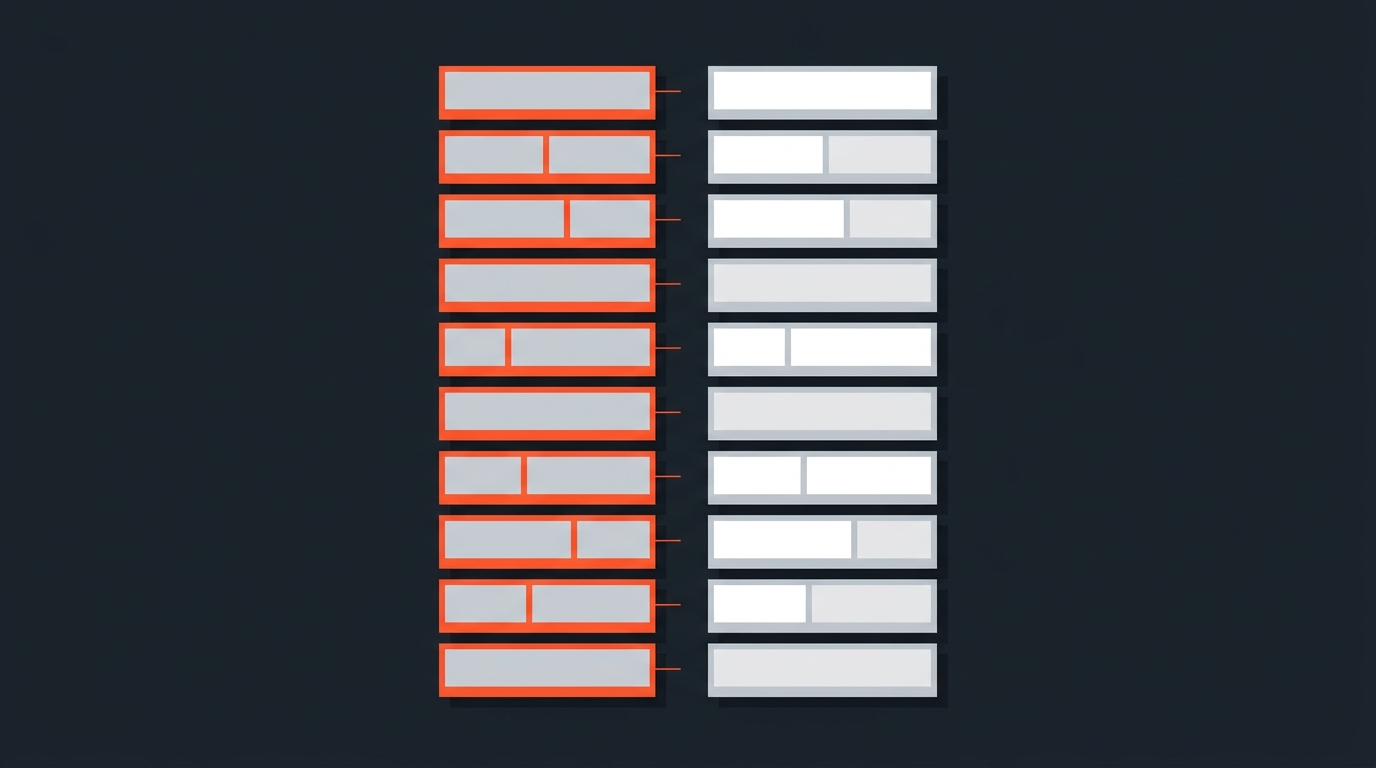
Once a recording qualifies, the work is selection, not rewriting. Read the transcript, mark the passages that carry each of the three core ideas, and build every text format from those marked passages instead of re-explaining the idea from scratch each time. This is what text-based editing is built for: working in the words, not scrubbing the timeline to find where you said the thing.
The three text formats still need to read differently, even from the same passage. A blog post keeps the full explanation and adds structure a reader can scan. A newsletter keeps the personal framing, the "here's what I was thinking when," and trims the rest. A carousel or thread strips it down to the single claim plus the one supporting detail, one idea per slide or post, because a scrolling reader will not follow an argument across ten slides the way a blog reader will follow it across ten paragraphs. Same source passage, three different edits of it.
From transcript to clips
Turning the Same Selects Into Short Clips With Precise Cuts
The clip is the one format that cannot be built from a rewrite, it has to be built from the actual recorded audio and video. This is where selecting in the transcript pays off differently: once you have marked where a moment starts and ends in the text, that selection carries word-level timecodes, so the cut lands exactly on the words you picked, not somewhere near them.
From there, exporting a real timeline (XML, EDL) into DaVinci Resolve, Premiere Pro, Final Cut Pro, or Avid means the clip opens already cut to your selects, ready for the crop, captions, and pacing work an editor actually wants to do by hand. Vertical formatting for Reels or TikTok is a separate pass after the cut is locked, not before it, which is worth knowing before you start reframing for a 9:16 canvas. Understanding how timecode actually works is what makes this precision possible in the first place.
Repurposing at scale
How a Repurposing Workflow Looks Once It Has a Second Person Involved
Solo does not always mean alone forever. YouTuber Ali Abdaal, who built his channel to over a million subscribers, has talked publicly about handing his long-form videos to a dedicated repurposer who pulls what Abdaal calls "fire moments," the short clips with the most energy, and reformats them across Instagram, TikTok, and YouTube Shorts while Abdaal keeps writing his newsletter from the same footage.
The workflow below documents exactly that kind of handoff, from a single long-form video to a full slate of repurposed social content, and it is a useful preview of what a solo creator's process starts to look like once repurposing earns a second set of hands.
Notice what stays constant even as the team grows: the long-form recording is still the only thing that gets shot. Everything else, the editing pass included, works from that one source.
Release timing
Spread Sixteen Pieces Across Weeks, Not a Single Day
Publishing everything from one recording on the same day wastes most of it, since only a fraction of any audience sees a given post on a given day. Welsh's own system spaces the sixteen pieces out, some going out the week of the pillar, others held for months later. A workable version for most solo creators: publish the long-form piece and the newsletter in the same week, release the three or four clips over the following two to three weeks, and hold the carousel or thread for whenever the feed needs a lighter post.
This also solves the real problem repurposing is meant to fix, which is not a shortage of ideas, it is a shortage of time to produce something new every day. One good recording, sequenced correctly, can carry three to four weeks of a posting schedule on its own.
Where it breaks down
The Repurposing Mistakes That Waste the Original Recording
The most common failure is not choosing which recording to repurpose, it is copying the same post to every platform unedited. HubSpot's 2026 State of Marketing report found teams roughly split between reusing content as-is across channels and adapting it per platform, and the adapted version is consistently the one that performs. A caption written for LinkedIn reads like a foreign object on TikTok, and the reverse is just as true.
The second failure is treating repurposing as an editing problem instead of a selection problem, cutting content down to a length instead of cutting it down to an idea. Content strategists describe this as working with the "atoms" of a piece, the individual claims, stories, and numbers, rather than the piece as a whole. A thirty-second clip built around one complete atom holds up. A thirty-second clip built by trimming a two-minute answer from both ends usually does not.
The third failure is running out of source material and quietly lowering the bar, repurposing a recording that never had three ideas in it to begin with just because the calendar says it is repurposing week. The output looks busy and performs flat. It is better to skip a week and wait for a recording that actually earns four formats than to force a thin one through the whole system.
Sources
- Justin Welsh, "How 1 Piece of Content Becomes 16: The 1-3-5 Method"
- Buffer, "The Ultimate Guide to Repurposing Content"
- HubSpot, 2026 State of Marketing Report
- Subly case study, "How YouTuber Ali Abdaal Grew His Social Media Following"
- MarTech, "Content atomization: Maximize ROI by repurposing your best ideas"
frequently asked questions
No. One well-chosen long-form recording, broken into a few core ideas, replaces a calendar full of separate content ideas. The recording is the calendar.
It is a system popularized by solo creator Justin Welsh: take one pillar piece, pull three core ideas out of it, and turn each idea into five smaller pieces, for sixteen total pieces from a single recording.
A blog post, a newsletter issue, a carousel or thread, and three to five short clips is a realistic range for a recording with two or three separable ideas in it.
No. Publishing everything at once wastes most of the material, since only a fraction of an audience sees any single post on a given day; spreading pieces over two to four weeks gets more total reach from the same recording.
A recording that only makes one continuous argument, with no separable ideas and no concrete detail like a number or named example, will not survive being cut into multiple formats.
Not for the cut itself. Selecting a moment directly in the transcript carries word-level timecodes, so the clip is already trimmed to the right in and out points before any manual editing begins.
You might also like...
Start selecting.

Pick the story in the transcript, export a finished rough cut.