
Otter.ai Alternative for Video Editing
Otter.ai is a meeting notetaker. It transcribes calls, summarizes them, and makes them searchable, and it does that well. It was never built to export a timeline to Premiere Pro or DaVinci Resolve, which is the actual problem editors run into when they try to use it for video production. Here is how Otter compares to five other transcription tools, and where each one actually fits.
The real job
Meeting notes and video editing need different things from a transcript
A meeting transcription tool is judged on searchability and summarization: can you find what was said and get a usable recap without replaying the call. A video editing transcript is judged on something else entirely: does every word carry precise timecode, and can the selections you make leave the document as a real cut list your editing software understands. Otter, Fireflies, and Rev's meeting-focused tiers are built for the first job. Sonix, Trint, and ScriptCut are built closer to the second, though only some of them export to an actual timeline.
The confusion happens because both categories produce something that looks the same on screen: a scrolling block of text next to a play button. Under the hood they are solving for different outcomes. A meeting tool optimizes for speed to summary, how fast can it tell you what was decided without you replaying 40 minutes of audio. A video editing tool optimizes for speed to timeline, how fast can a marked selection become a real in and out point an NLE understands. Buying the wrong one for the job means paying for features you will not use while still doing the actual work by hand.
Side by side
Six transcription tools, compared for video work
| Tool | Built for | Word-level timecode | Timeline export |
|---|---|---|---|
| Otter.ai | Meeting notes, calls | No | No |
| Fireflies.ai | Meeting notes, CRM sync | No | No |
| Rev | Transcription and captions | Yes | Caption files only |
| Sonix | Transcription, multilingual | Yes | No |
| Trint | Journalism, research | Yes | No |
| ScriptCut | Video selects and story approval | Yes | XML, subtitles |
Worked example
Recording the same interview into two workflows
Say you record a 40-minute interview in a video call and run it through Otter for notes. You get a searchable transcript and an AI summary of the discussion, useful for following up by email or briefing a colleague who missed the call. Now say you need to cut an 8-minute video from that same interview. Otter's transcript can help you find the good quotes, but there is no path from "I selected these lines" to a timeline your editor can open; you are back to manually searching the video for each quote's timestamp. Run the same recording through a tool with word-level, export-ready timecode, and the selected lines leave the document as an XML sequence, ready to open in your NLE.
The difference shows up most clearly on longer material. A 90-minute panel or a full-length documentary interview makes the Otter path genuinely painful: you might mark thirty separate quotes across the recording, and each one needs a manual timestamp lookup and a manual search in the source video before it becomes part of a sequence. On a tool with export built in, the same thirty marks become thirty precise cut points the moment you finish reading, with no separate lookup step at all.
Export reality
What "export" actually means for each tool
This is where the category gets confusing, because most transcription tools use the word "export" loosely. Otter and Fireflies export text, PDFs, and meeting summaries. Rev exports caption files (SRT, VTT) alongside the transcript, which is genuinely useful for accessibility but is not a cut list. Sonix and Trint export formatted transcripts and subtitle files too, aimed at publishing and research rather than editing. None of the meeting-first tools in this list produce an XML or EDL a video editor can drop into a timeline; that gap is specific to tools built around the editing step itself.
When to choose Otter
When Otter is genuinely the right tool
If the job is recording and summarizing meetings, interviews for research, or calls you need a searchable archive of, Otter is a strong, affordable choice, and its free tier covers a reasonable amount of casual use. Choose Otter when the deliverable is a document or a summary, not a video.
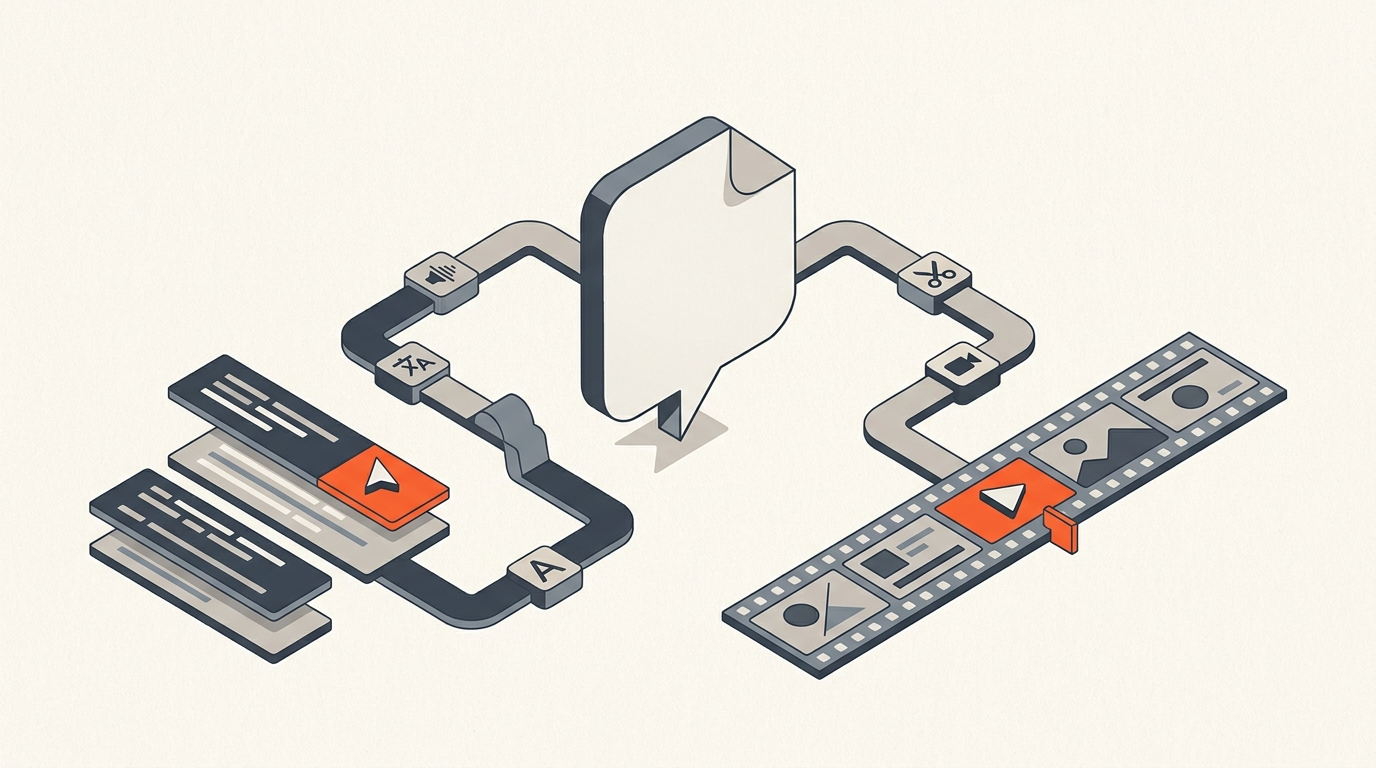
Otter also connects directly to Zoom, Google Meet, and Microsoft Teams, joining calls automatically and producing notes without anyone needing to remember to hit record on a separate transcription tool. For a video production team, that same automation is genuinely handy for internal production meetings, pre-interview calls, and client check-ins, even if the actual footage being edited runs through a different pipeline entirely. Many teams end up running both: Otter for the meetings that generate decisions, and a dedicated editing tool for the recordings that generate footage. Here is what that meeting-notes workflow actually looks like end to end:
Common mistakes
Where teams get this wrong
The most common mistake is picking a transcription tool based on price or transcription accuracy alone, without checking what happens after the transcript is marked up. A cheap tool that cannot export a usable cut list is not actually cheap once you count the manual re-finding time it creates for an editor. The second mistake is assuming every "export" button produces the same thing; a PDF transcript, a caption file, and an XML timeline all technically count as an export, but only one of them opens directly in an NLE ready to trim.
What it costs
Pricing across the field, as of August 2026
- Otter.ai: free tier with 300 minutes/month, Pro $8.33 to $16.99/user/month, Business $19.99 to $30/user/month (otter.ai/pricing).
- Fireflies.ai: free tier, Pro $10 to $18/user/month, Business $19 to $29/user/month, Enterprise $39/user/month (fireflies.ai/pricing).
- Rev: AI transcription at $0.25/minute pay-as-you-go, or subscriptions from Free to Pro at $47.99 to $59.99/seat/month (rev.com/pricing).
- Sonix: pay-as-you-go at $10/hour, or Premium at $22/user/month plus $5/hour (sonix.ai/pricing).
- Trint: Starter around $80/seat/month capped at 7 files, Advanced around $100/seat/month unlimited (trint.com/plans).
- ScriptCut: Free plan, Starter $19/month ($15/month annually), ProAI $29/month ($24/month annually), transcription billed per hour.
Speed gains
Where the actual time savings come from
The time saved in a video workflow does not come from transcription accuracy alone, every tool on this list transcribes reasonably well now. It comes from what happens after the transcript exists: whether marking a line is the same action as marking an edit point, or a separate step you still have to do by hand in your NLE. That is the entire distinction between a meeting tool and a video editing tool wearing similar-looking transcript interfaces.
It also explains why pricing between the two categories does not map cleanly onto value. A meeting tool priced per seat per month is cheap because it is selling access to a searchable archive, a low-cost, high-volume product. A video editing transcript tool is priced around the work it removes from an editor's day, which is why it looks more expensive per minute of audio even when the underlying transcription engine is comparable in accuracy. Judging either category on price per hour of transcription alone misses what you are actually buying. Sonix, the closest of the pure-transcription tools to a video workflow, gets the same treatment in the Sonix alternative breakdown, and Descript's all-in-one approach is covered separately in the Descript alternative comparison.
Sources
Related reading: What is text-based editing?, Best paper edit software, What is a paper edit?, Premiere Pro transcript workflow, Frame.io alternative for the pre-edit.
frequently asked questions
No. Otter exports text, PDFs, and meeting summaries. It has no XML or EDL export, so selections made in Otter still need to be manually matched back to timecode in your video editor.
No. ScriptCut handles the selects and story-approval step before editing and exports a timeline into Premiere, Resolve, Final Cut, or Avid. Color, sound, and finishing still happen in your NLE.
Yes. Many teams use Otter for meeting notes and pre-interview calls, and a dedicated tool with timeline export for the actual footage being cut into a video.
Yes, ScriptCut transcribes uploaded audio and video with word-level timecode, which is what makes exporting selections directly to a timeline possible.
Otter is built for searchable meeting notes and call summaries. ScriptCut is built for selecting, approving, and exporting video footage into an editable timeline.
Because they are not solving for that use case. Their transcripts are optimized for search and summary, not for representing precise, frame-accurate cut points an NLE can read.
You might also like...
Start selecting.

Pick the story in the transcript, export a finished rough cut.