

Opus Clip vs Descript: Which AI Video Tool Fits Your Workflow?
Opus Clip and Descript get compared constantly, but they're not really competing for the same job. Opus Clip turns long video into short social clips automatically. Descript is a full editor where you cut by editing text. Pick based on which job you actually have, not which tool has more buzz.
What Each Tool Does
Two different products wearing similar marketing
Opus Clip's core feature is ClipAnything 2.0, an AI model that scans a long recording for visual, audio, and sentiment cues and pulls out clip-worthy moments, including natural-language search where you can type a prompt like "find every time pricing comes up." Each generated clip gets a Virality Score from 0 to 100 to help prioritize what to post. Descript works differently: it transcribes your media and lets you edit the video or audio by deleting and rearranging text, with an AI assistant (Underlord) that can generate rough cuts, remove filler words, and correct eye contact on camera. One automates clip discovery; the other automates a text-based edit.
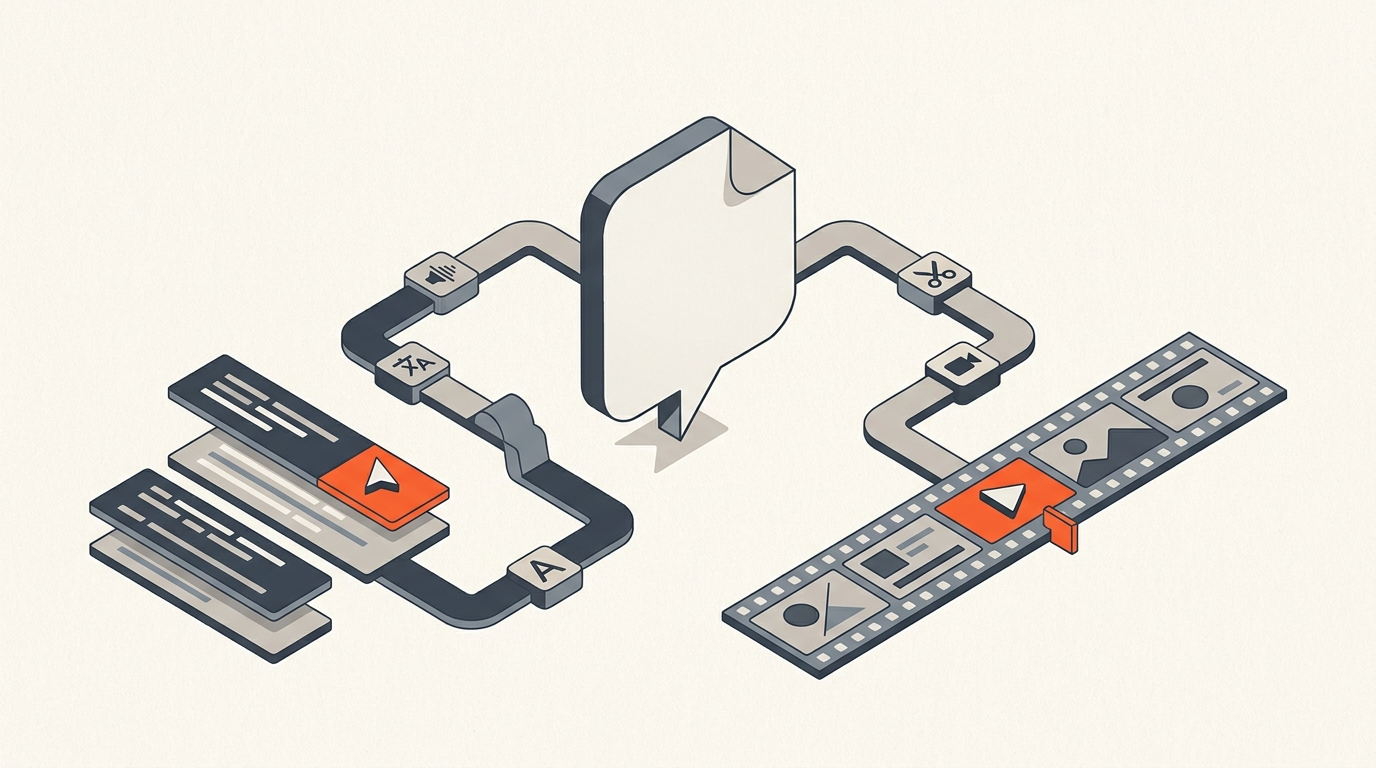
Here's what that ClipAnything workflow actually looks like from upload to finished clips:
Side By Side
Feature and pricing comparison (as of July 2026)
| Tool | Core job | Entry paid plan | Notable feature |
|---|---|---|---|
| Opus Clip | Long video to short clips | Starter $15/mo | ClipAnything 2.0 natural-language clip search |
| Descript | Text-based video/audio editing | Hobbyist $16/mo (annual) | Underlord AI rough cuts + eye contact fix |
| Klap | Long video to short clips | Starter $14/mo (annual) | AI Reframe 2 for vertical crops |
| Vidyo.ai | Podcast/webinar to clips | Lite $19/mo | 300 credits covers roughly 10-15 episodes |
| Riverside | Record + edit + clip | Standard $15/mo (annual) | 4K recording with unlimited local capture |
| ScriptCut | Transcript-first pre-edit + AI Clips | Starter $19/mo, ProAI $29/mo | Word-level timecode selects export to a real NLE timeline |
Opus Clip surfaces more clip candidates per upload in independent testing, often 15 or more from a single video, where Descript's suggestions run closer to 3 to 5 and need more manual trimming. That gap makes sense given what each tool optimizes for: Opus Clip is built to maximize clip volume, Descript is built to be a complete editor that happens to also suggest clips.
Worked Example
A 60-minute founder interview
A startup records a 60-minute founder interview for its YouTube channel and wants five to eight short clips for social, plus one polished long-form cut for the main channel. Run through Opus Clip, the raw upload returns 15 to 20 candidate clips with virality scores in about five minutes, and the team picks the eight strongest. The same interview in Descript gets cut as a full long-form edit first, filler words removed and pacing tightened through the text-based editor, and a handful of clip candidates come out of that process as a byproduct rather than the primary output. Neither workflow is wrong, they're solving different halves of the same project.
Where The Pre-Edit Fits
What happens before either tool gets involved
Both tools work on raw or lightly-edited footage. Neither replaces the story decision of which 20 minutes of a 60-minute interview actually matter before you start generating clips or cutting the long-form piece. ScriptCut sits in that earlier step: a producer reads the interview transcript, marks the strongest material with word-level precision, and exports that selection as a timeline into an NLE, or runs it through ScriptCut's own AI Clips to generate short-form cuts from the same word-level source. It's a pre-processing stage that makes whatever tool comes next work with better raw material.
Who Each Tool Fits
Picking based on your actual output
Choose Opus Clip if the deliverable is volume: daily or weekly short clips from long-form source with minimal manual editing. Choose Descript if you need one tool that handles a full long-form edit and can also spin off some clips, especially if removing filler words and fixing eye contact matter more than clip quantity. Choose both if you produce long-form content weekly and need clips at scale, many creator teams run Descript for the main edit and a dedicated clipping tool for social distribution.
Bottom Line
Different jobs, not competing products
Opus Clip wins on clip volume and virality scoring for teams that need social output fast. Descript wins as a complete editor for teams that need one tool to do the long-form cut and get some clips out of it. Whichever you pick, the story selection that happens before either tool touches your footage still matters more than which app you choose.
Related: Happy Scribe Alternative, Sonix Alternative for Video Editing, What Is a Paper Edit?, and Video Editing for YouTubers
Sources
frequently asked questions
Opus Clip automatically turns long video into short social clips using AI clip discovery and virality scoring. Descript is a full text-based editor for long-form video and audio that also suggests some clips as a byproduct.
Opus Clip, for volume. Independent testing found it surfaces 15 or more clip candidates per video where Descript typically returns 3 to 5 that need more manual trimming.
Yes, but it's not Descript's primary strength. Clips come out of the text-based long-form edit rather than from a dedicated clip-discovery engine.
Many teams that publish long-form content weekly run both: Descript for the main edit, Opus Clip or a similar tool for social clip distribution at scale.
Selecting which part of the raw footage actually matters. A transcript-first pre-edit tool like ScriptCut marks that selection with word-level precision before either app processes the footage.
Opus Clip has a free plan, a Starter plan at $15/month with 150 processing minutes, and a Pro plan at $29/month with 300 minutes and team features.
Descript has a free plan, Hobbyist at $16/user/month (annual), Creator at $24/user/month (annual), and Business at $50/user/month (annual).
You might also like...

Start selecting.

Pick the story in the transcript, export a finished rough cut.