
Best Tools to Repurpose Content in 2026
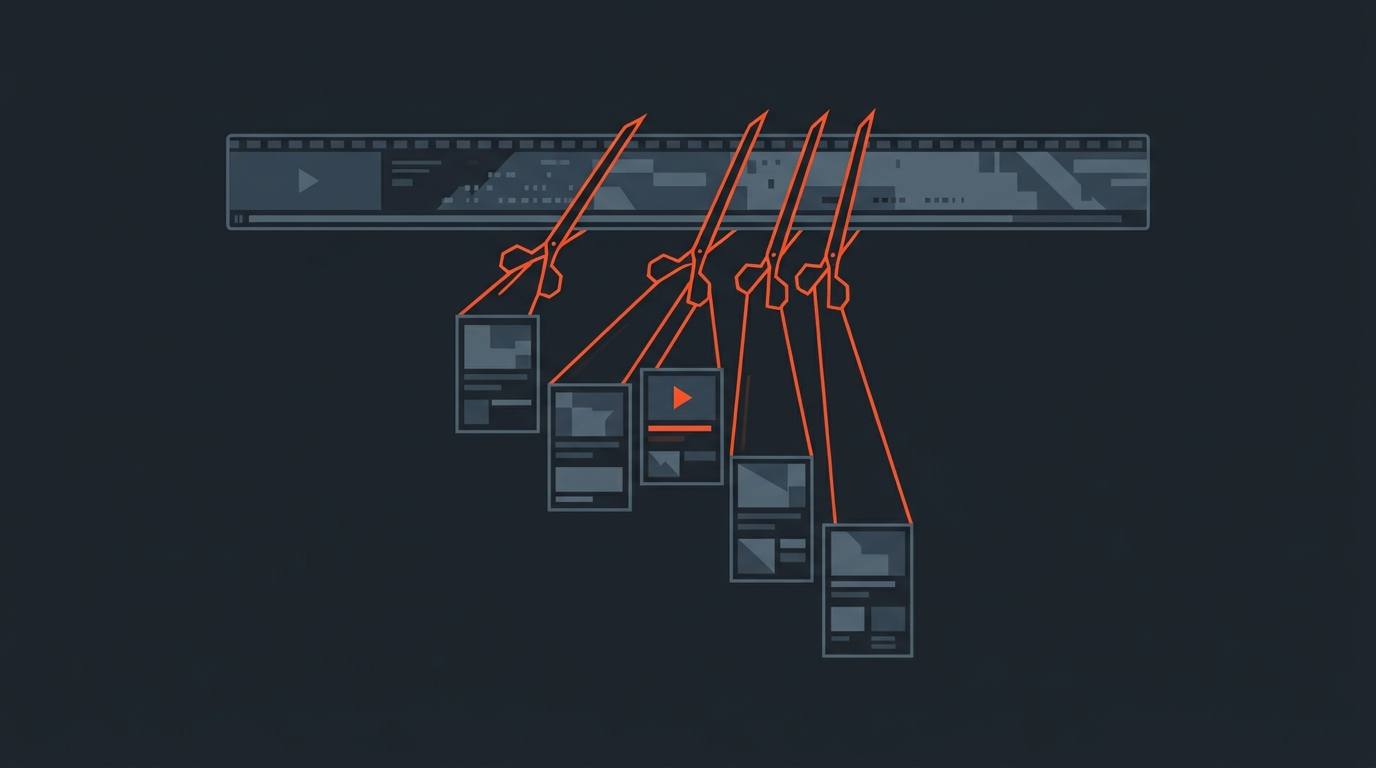
The best repurposing tools split into two different jobs that get lumped together: cutting short clips out of long video (Opus Clip, Submagic, CapCut) and pushing finished content out to more platforms on a schedule (Repurpose.io). Most creators buy a clipping tool when they actually need a distribution tool, or the reverse, and end up frustrated with a tool that was never built for their job.
Two Jobs
Repurposing Is Actually Two Separate Tasks
"Repurposing" gets used for two different problems. The first is creation: turning one long recording into new, shorter formats that did not exist before, a webinar into six Reels, a podcast into a blog post. The second is distribution: taking a piece of content you already finished and pushing copies of it to more places. A tool built for one job is usually mediocre at the other, which is why so many creators end up paying for two subscriptions instead of one.
Knowing which job you have first saves money. If you already know which 90 seconds of your podcast are worth clipping, you need a distribution tool. If you have two hours of raw footage and no idea what is usable, you need a clipping tool, and ideally something upstream of that to help you find the moments before software starts cutting.
Clipping
Opus Clip Finds and Scores Moments in Long Video
Opus Clip is the best known AI clipping tool. Feed it a long video and it pulls out ten or more candidate clips, reframes them for vertical formats, adds captions, and scores each one for "virality" potential based on pacing and hook strength. It is built for creators who have finished long-form video, usually a podcast or webinar recording, and want short-form output fast without watching the whole thing back.
The tradeoff is that Opus Clip is guessing at what matters using audio and visual signals, not understanding your actual story. It is very good at finding punchy, self-contained moments and weaker at judging which moment ties to the narrative you are trying to build across a season or campaign.
Here is a step-by-step walkthrough of the actual upload-to-export flow, useful if you want to see what the tool looks like before signing up:
Distribution
Repurpose.io Moves Finished Content, It Does Not Create It
Repurpose.io is a distribution engine, not a creation tool. You connect your accounts, tell it where new content should go, and it automatically reformats and publishes to YouTube Shorts, TikTok, Instagram, Facebook, and more whenever new content lands in a source folder. It solves the busywork of re-uploading the same clip to six apps with six different aspect ratios and captions, but it has no opinion on which clips are worth publishing in the first place.
Editing Layer
CapCut, Kapwing, and Submagic Handle the Polish
Once a clip exists, three tools cover most of the finishing work. CapCut is the default mobile-first editor for a huge share of creators, with a deep template library and built-in captioning. Kapwing runs in the browser and is built for teams that need to edit together without installing anything, including a Smart Cut feature that trims dead air automatically. Submagic focuses specifically on turning a raw clip into a captioned, styled short with animated text and B-roll suggestions in a couple of minutes. None of these three decide what the clip should be about, they make an already-chosen clip look good.
Real Case
A Dedicated Clips Channel Beats a Single Repurposed Video
The clearest public example of repurposing done at scale is The Diary Of A CEO Clips, a standalone YouTube channel built entirely from moments pulled out of Steven Bartlett's long-form podcast interviews. Instead of treating repurposing as an afterthought bolted onto the main show, the clips live on their own channel with their own audience and their own upload schedule. That is the model worth copying: repurposing works best as a dedicated pipeline, not a one-off task you do when you remember to, the same discipline behind a repeatable podcast-to-clips pass rather than a one-time scramble.
Platform Strategy
The Right Tool Also Depends on Where the Clip Is Going
Repurposing to YouTube Shorts, TikTok, and Instagram Reels is not one job even though the tools treat it that way by default. YouTube's algorithm rewards clips that pull viewers back to the long-form source, so a Shorts clip that ends on a cliffhanger tied to the full episode tends to perform better there than a fully self-contained one. TikTok and Reels reward the opposite, a clip has to work with zero intention of sending anyone anywhere else. If a distribution tool is auto-posting the identical clip and caption everywhere, it is optimizing for convenience over performance; a few minutes adjusting the hook line per platform before it goes out is usually worth it.
Comparison
Tool Comparison at a Glance (as of July 2026)
| Tool | Best for | Starting price | Notes |
|---|---|---|---|
| Opus Clip | Finding and scoring clips in long video | Free; Starter $15/mo | AI virality scoring, auto-reframe, watermark on free tier |
| Submagic | Fast captioned, styled shorts | Starter $19/mo ($12/mo billed annually) | Animated captions, AI hook titles, B-roll suggestions |
| CapCut | Mobile-first general editing | Free; Standard $10/mo | Huge template library, 4K needs the $20/mo Pro tier |
| Kapwing | Browser-based team editing | Free; Pro $24/mo ($16/mo billed annually) | Smart Cut auto-trims dead air, real-time collaboration |
| Repurpose.io | Auto-publishing across platforms on a schedule | Starter $35/mo | Distribution only, does not select or edit clips |
| Descript | Transcript-based full editing | Free; Hobbyist $24/mo ($16/mo billed annually) | Edit video by deleting text, strong for full episodes |
| ScriptCut | Selecting the story before any clipper runs | Free; Starter $19/mo ($15/mo billed annually) | Transcript pre-edit, client approval, XML/EDL export |
The Missing Step
None of These Tools Decide What Is Worth Clipping
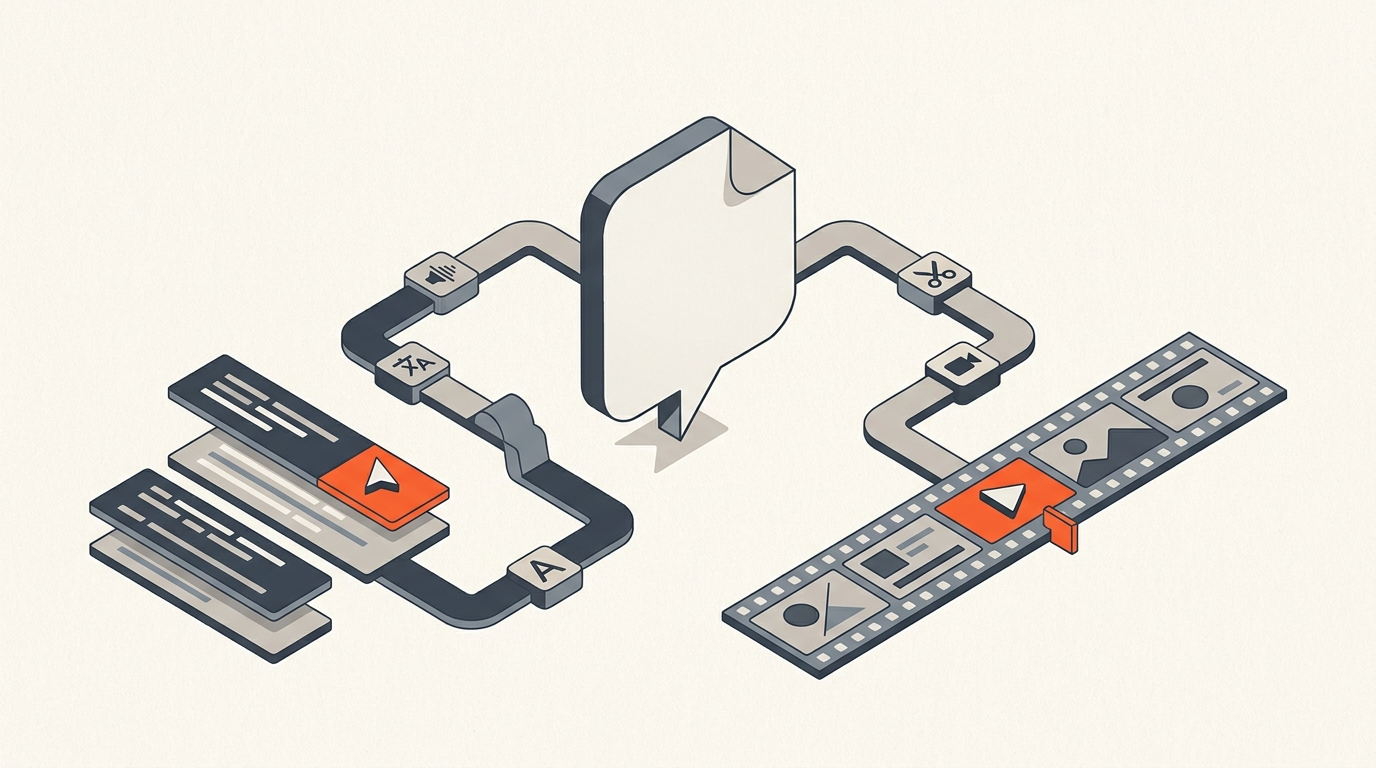
Here is the gap that causes most repurposing workflows to produce mediocre output: an AI clipper scores moments by pacing and audio energy, not by whether the moment actually serves your story. ScriptCut sits before all of this, as a transcript-based pre-edit. You read the transcript of your long recording, mark the lines that matter, cut filler, and arrange a story, all before anything gets clipped or distributed. The output is a timeline with word-level timecodes you can hand to an editor, or a shortlist of exact moments you know are worth running through a clipper like Opus Clip.
Worked Example
A 60-Minute Webinar Turned Into Nine Clips on Three Platforms
Start with a 60-minute recorded webinar. Read the transcript and mark eight to ten moments where a real insight or a strong claim lands, roughly 30 to 90 seconds each, the same read-and-select pass used to edit a single interview faster. Export those marked moments as short video files. Run each through Submagic or CapCut for captions and styling, adjusting the hook line slightly for TikTok versus a YouTube Shorts version that references the full episode. Load the finished clips into Repurpose.io, which auto-formats and schedules them across YouTube Shorts, Instagram Reels, and TikTok over the following two weeks instead of dumping all nine in one day.
Mistakes
Where Repurposing Workflows Break
- Buying a clipper when you need distribution, or the reverse. Confirm which job you actually have before subscribing.
- Letting an AI clipper choose without review. Automated scoring catches pace and energy, not accuracy or brand fit; always scan the output before it ships.
- Posting every clip on the same day. A distribution tool that can schedule is only useful if you actually spread posts out.
- Re-editing the same footage in three different tools. Decide the moment once, upstream, then move it through the pipeline instead of re-deciding at every stage.
- Posting the identical clip everywhere. TikTok and YouTube Shorts reward different endings; a clip optimized for one can underperform on the other.
The Takeaway
Match the Tool to the Job You Actually Have
There is no single best repurposing tool because repurposing is not one job. Use an AI clipper like Opus Clip when you have long video and no idea what is usable. Use Repurpose.io when you already have finished clips and need them everywhere on a schedule. Use general editors like CapCut, Kapwing, or Submagic for the polish pass. And put a transcript-based pre-edit like ScriptCut in front of all of it if you want the moment selection to be a decision instead of a guess.
Sources
frequently asked questions
Use an AI clipper like Opus Clip or Submagic to pull short clips from long video, and a distribution tool like Repurpose.io to auto-publish finished clips across platforms. They solve different problems, so most active creators end up using one of each.
Opus Clip finds and scores candidate moments automatically from a long recording. CapCut is a general editor you use after you already know which moment you want, for styling, templates, and captions.
Only if you want clips auto-posted across multiple platforms on a schedule. Clipping tools export finished files; they do not publish or schedule posts on their own.
They automate cutting, captioning, and reformatting, but not judgment about which moment actually serves your story. That decision still needs a human pass, ideally made on the transcript before any clipping tool runs.
Clipping is one part of repurposing: pulling short segments out of long video. Repurposing is the broader job that also includes reformatting, captioning, and distributing that content across platforms.
No, it runs earlier in the process. ScriptCut is a transcript-based pre-edit for selecting and approving the story before clips get cut, captioned, or distributed by other tools.
You might also like...


Start selecting.

Pick the story in the transcript, export a finished rough cut.